 01
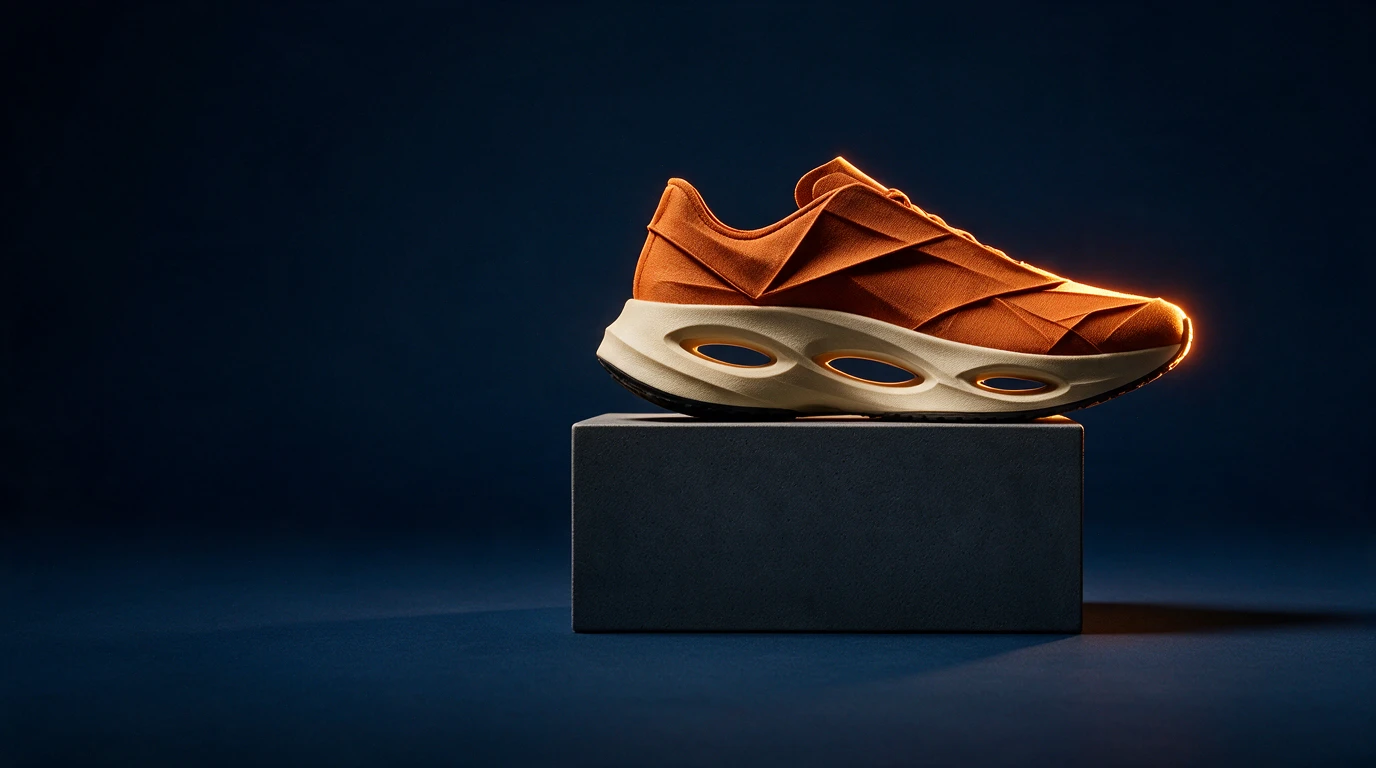
01Original composition
One silhouette, tactile detail
Seedream 5.0 Pro
Prompt used
Upload your reference after entering the studio. This fills the prompt without generating automatically.
Download this reference imageByteDance
Change the material, keep the idea
Explore Seedream 5.0 Pro material editing and image composition through a sculptural shoe study, with reference-image tips and clear creative prompts.
Available options and estimated credits are shown in the studio.
FIND YOUR CREATIVE DIRECTION
Explore the composition, compare the source where available, and open the prompt to understand the creative choices.
01Original composition
Seedream 5.0 Pro
Upload your reference after entering the studio. This fills the prompt without generating automatically.
Download this reference image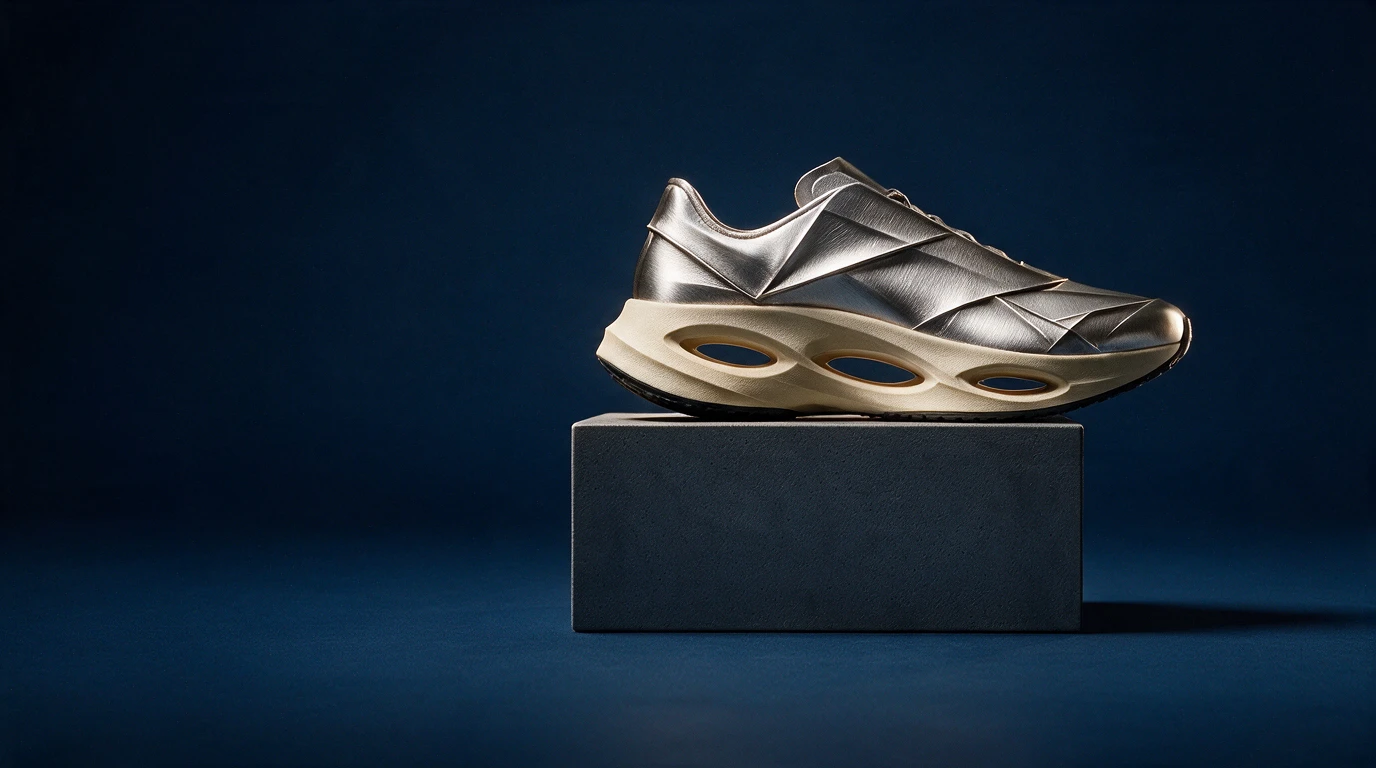 02
02Reference image
Reference imageMaterial editing
Seedream 5.0 Pro
Upload your reference after entering the studio. This fills the prompt without generating automatically.
Reference imageMEET THE MODEL
Material transformation is a useful way to test how an edit follows a visual brief. Start with an object whose silhouette is easy to recognize, then change its surface, finish and lighting response. Seedream 5.0 Pro also has a separate layer-decomposition mode; a flat image with floating parts is not the same as actual separated layers.
MEET THE MODELTURN YOUR IDEA INTO A CLEAR BRIEF
Start with one clear outcome. Describe what matters, then change one element at a time.
Use a clear object silhouette and a simple background. Avoid hiding the parts you want the edit to preserve.
Name the surface and its behavior: brushed metal, soft fabric or glazed ceramic. Specify reflections, roughness and color.
Compare edges, openings, proportions and contact shadows with the source. Revise unexpected geometry before adding decoration.
IN THE RUXA STUDIO
Controls reflect the current integration
A LITTLE MORE CLARITY
Use a clear reference and state the silhouette, openings and proportions that should remain. Check these features in the result; an instruction is not a guarantee.
No. The shoe is a readable way to demonstrate a material change. The same prompting approach can be explored with props, garments, architecture or an illustrated object.
No. Layer decomposition returns separate image layers. An exploded view can still be a single flat image.
MAKE SOMETHING YOURS
Pick a direction. Write your first prompt.
Open image studio