 01
01Architectural imagination
Architecture beyond the ordinary
Seedream 4.0
Prompt used
Upload your reference after entering the studio. This fills the prompt without generating automatically.
Download this reference imageByteDance
Build a world around one clear idea
Explore Seedream 4.0 architectural imagination and spatial storytelling through a cloud-station concept, with composition tips and reusable prompts.
Available options and estimated credits are shown in the studio.
FIND YOUR CREATIVE DIRECTION
Explore the composition, compare the source where available, and open the prompt to understand the creative choices.
01Architectural imagination
Seedream 4.0
Upload your reference after entering the studio. This fills the prompt without generating automatically.
Download this reference imageMEET THE MODEL
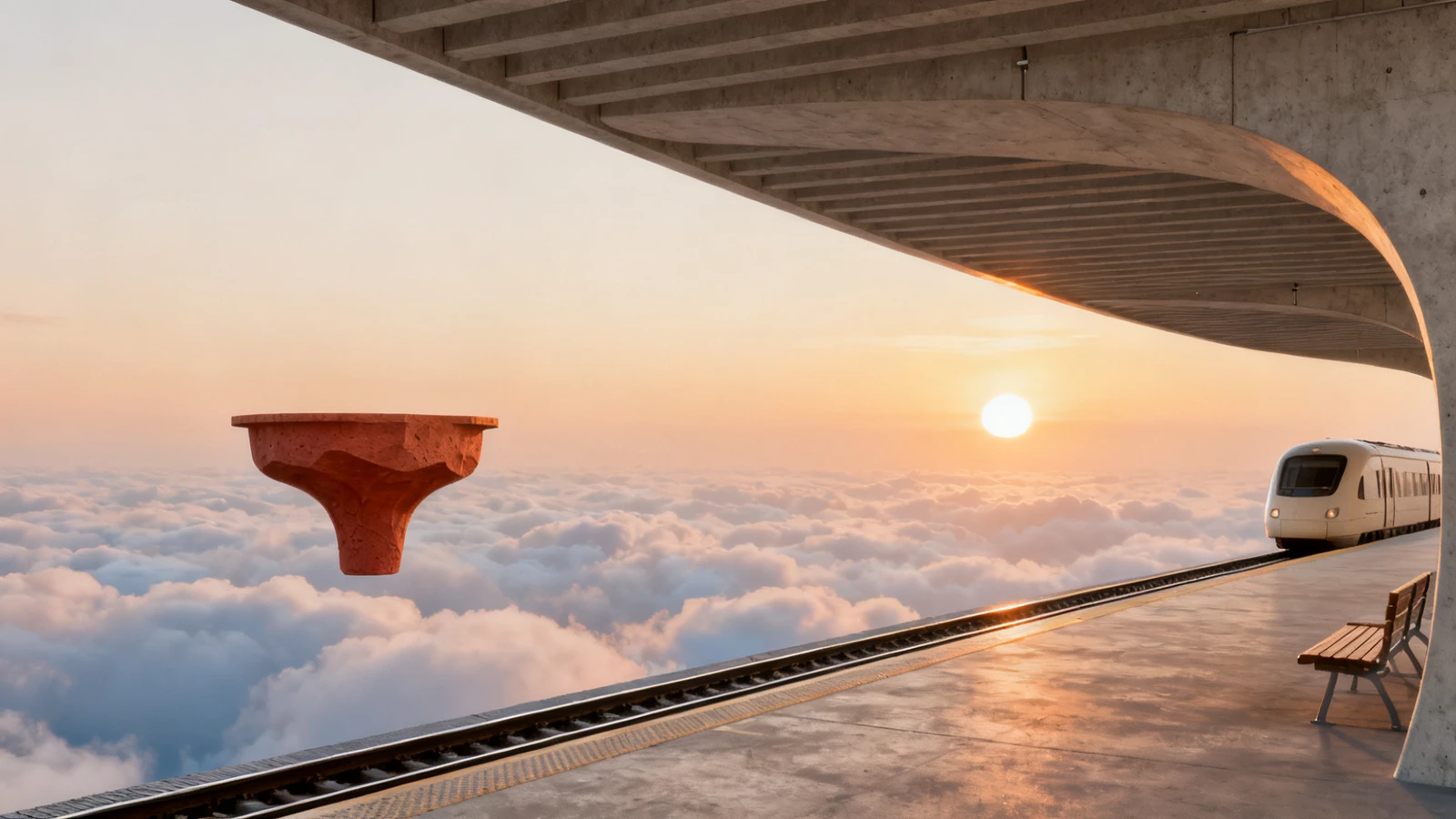
Architectural concept art works best when the extraordinary scene still has a readable structure. A station above the clouds needs a focal point, a path for the eye and a believable sense of scale. Use perspective, repeated forms and a consistent light source to connect the fantasy with familiar spatial cues.
MEET THE MODELTURN YOUR IDEA INTO A CLEAR BRIEF
Start with one clear outcome. Describe what matters, then change one element at a time.
Choose an elevated view, a street-level perspective or a centered architectural frame. State where the viewer is standing.
Let a station float above the clouds or a walkway cross an unexpected void. Keep supporting structures simple enough to read.
Write a shared creative prompt, then vary the viewpoint or time of day. Compare continuity instead of assuming a series will match automatically.
IN THE RUXA STUDIO
Controls reflect the current integration
A LITTLE MORE CLARITY
It can be explored for spatial composition and imagined environments. Treat the result as concept imagery, not construction documentation.
Give it a clear focal point, a recognizable scale cue and a simple visual path. Add one surprising feature before introducing more complexity.
The documented mode supports multiple outputs. Keep a shared description of the subject and visual style, then inspect the results for continuity.
MAKE SOMETHING YOURS
Pick a direction. Write your first prompt.
Open image studio