 01
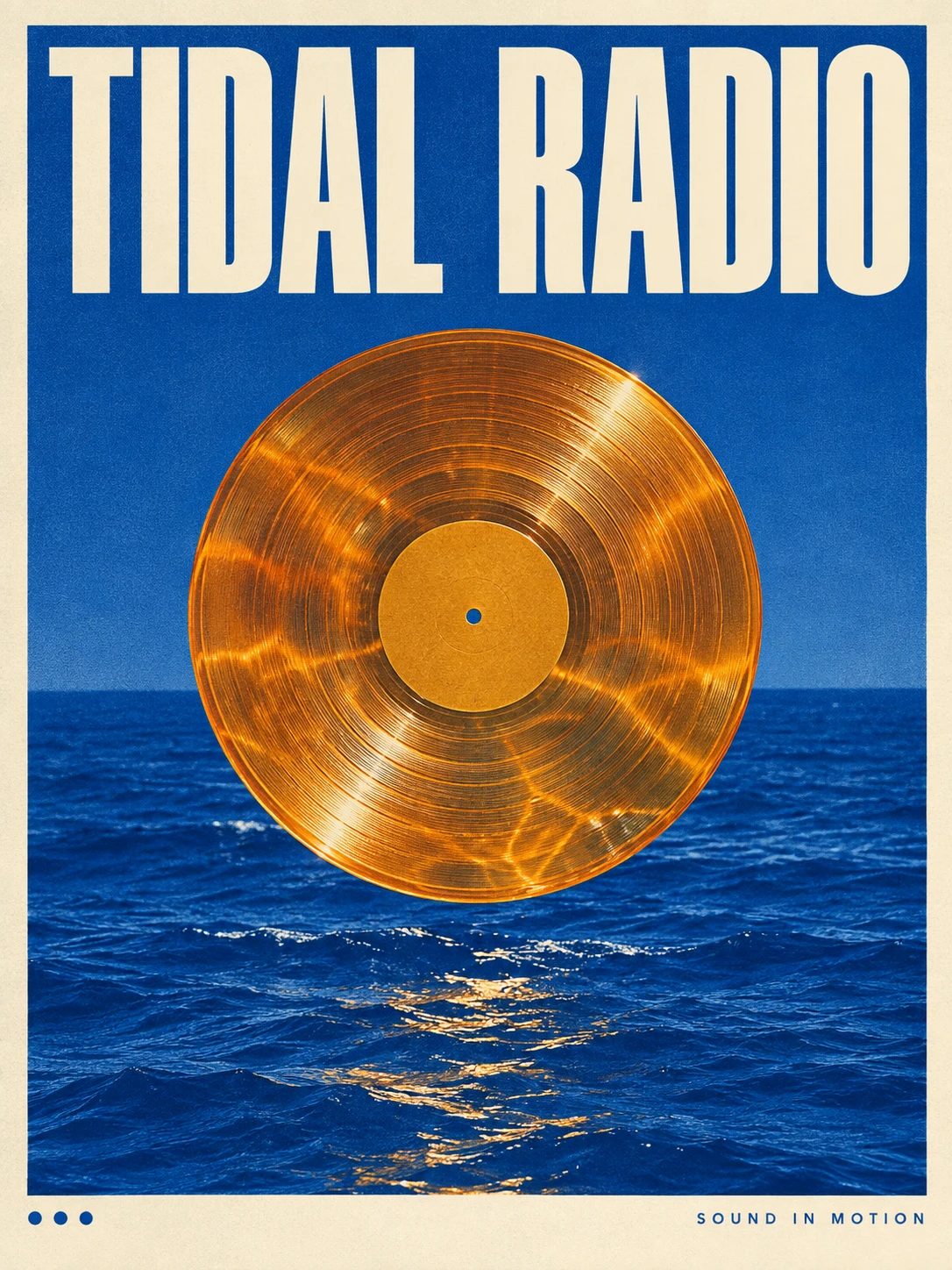
01Typography
Type meets texture
GPT Image 2
Prompt used
Upload your reference after entering the studio. This fills the prompt without generating automatically.
Download this reference imageOpenAI
From precise words to expressive images
Explore GPT Image 2 poster typography, material and texture examples and image editing, with reusable prompts and practical tips for refining a visual idea.
Available options and estimated credits are shown in the studio.
FIND YOUR CREATIVE DIRECTION
Explore the composition, compare the source where available, and open the prompt to understand the creative choices.
01Typography
GPT Image 2
Upload your reference after entering the studio. This fills the prompt without generating automatically.
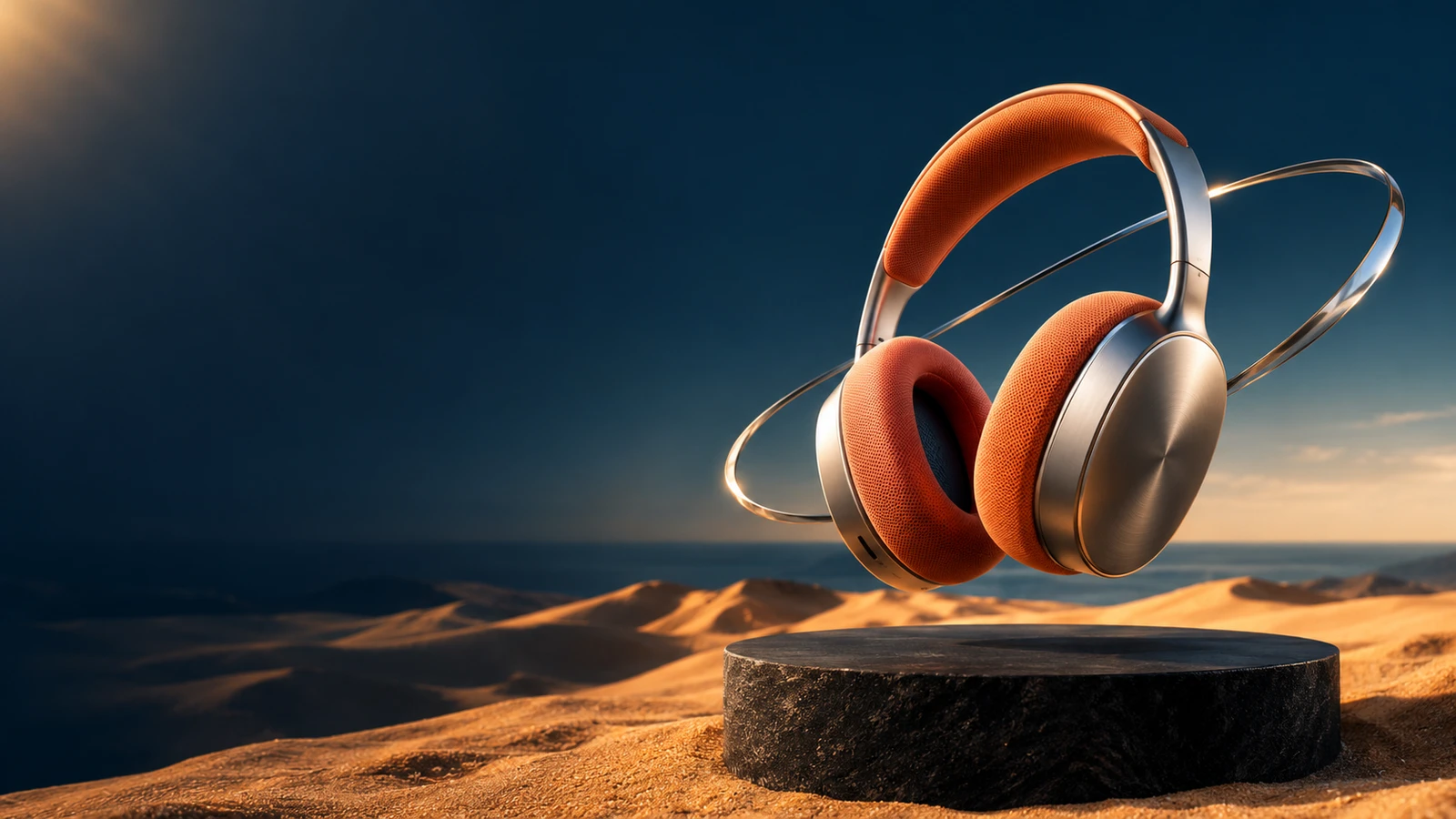
Download this reference image02Material composition
GPT Image 2
Upload your reference after entering the studio. This fills the prompt without generating automatically.
Download this reference image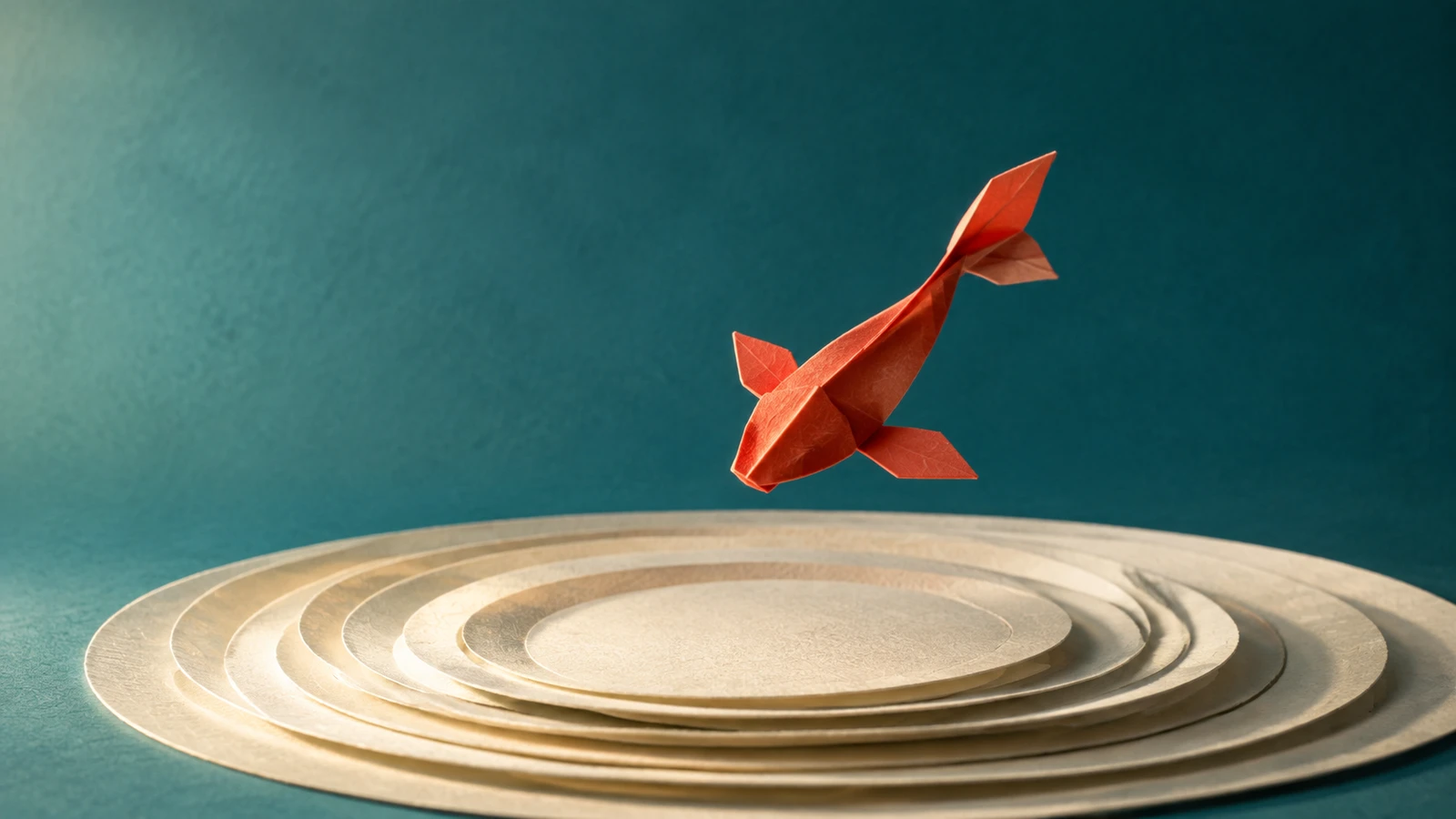 03
03Paper illustration
GPT Image 2
Upload your reference after entering the studio. This fills the prompt without generating automatically.
Download this reference image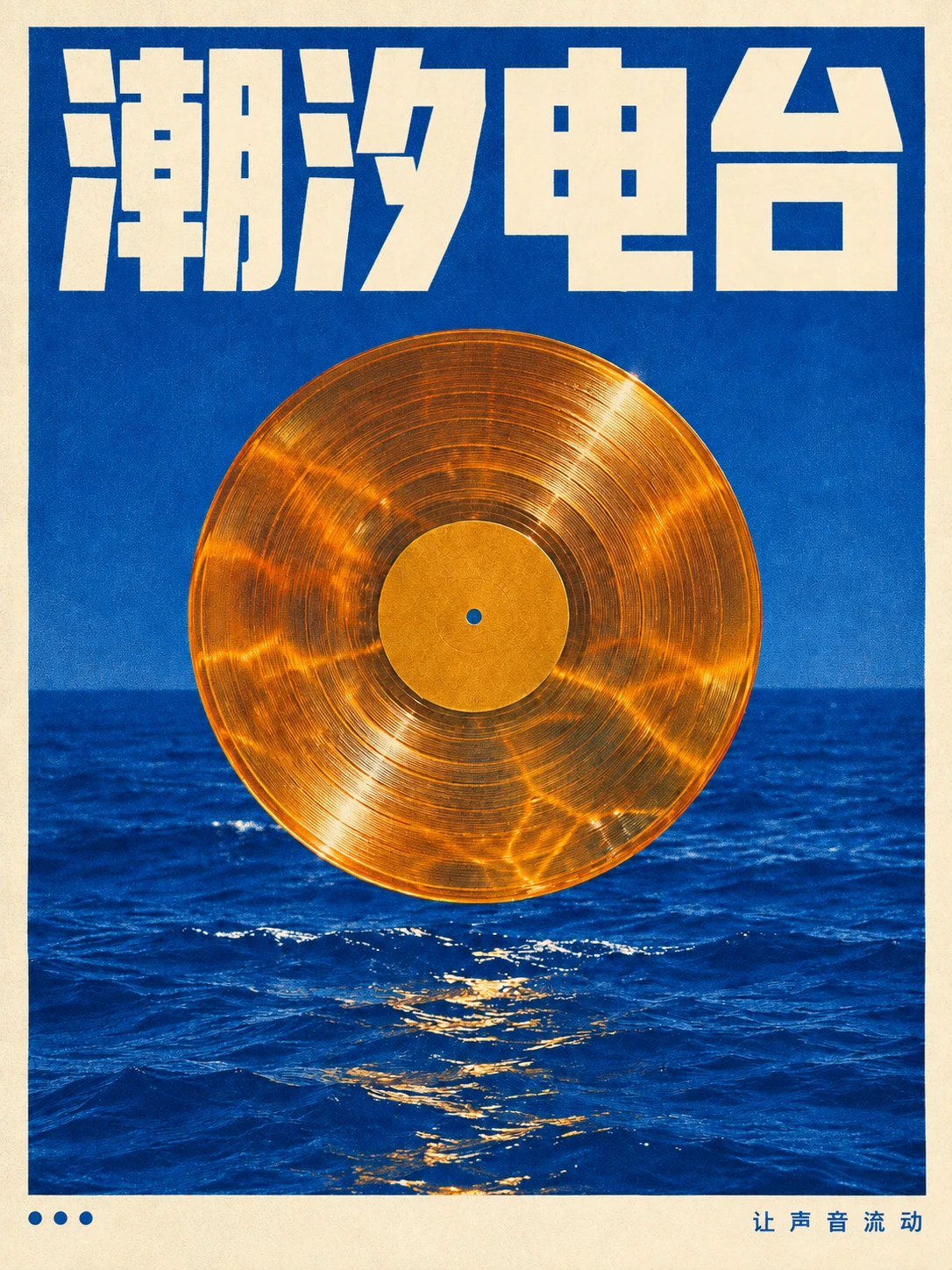 04
04Reference image
Reference imageText editing
GPT Image 2
Upload your reference after entering the studio. This fills the prompt without generating automatically.
Reference imageMEET THE MODEL
A detailed creative prompt can combine exact copy, a clear layout and a distinctive material palette. Use GPT Image 2 to explore a typographic poster, a sculptural object or an illustrated scene. For editing, start from an existing image and specify both the change and the elements that should remain. Text inside images still deserves a careful final proofread.
MEET THE MODELTURN YOUR IDEA INTO A CLEAR BRIEF
Start with one clear outcome. Describe what matters, then change one element at a time.
Put the headline in quotation marks. Describe its hierarchy, placement and contrast instead of asking for a generic beautiful poster.
Name two or three materials, a restrained palette and a lighting direction. Give the main subject room to breathe.
Upload the image you want to revise. State one change and explicitly preserve the composition, subject or typography that already works.
IN THE RUXA STUDIO
Controls reflect the current integration
A LITTLE MORE CLARITY
It is worth exploring when a design combines copy and imagery. Specify the exact text, hierarchy and layout, then proofread the result before publishing.
Select the original image and describe the desired change together with what must stay unchanged. Begin with one edit, rather than rewriting the entire scene.
No. Start with a smaller draft to judge the idea. Use a higher supported resolution when the composition is ready and your intended placement needs it.
MAKE SOMETHING YOURS
Pick a direction. Write your first prompt.
Open image studio