 01
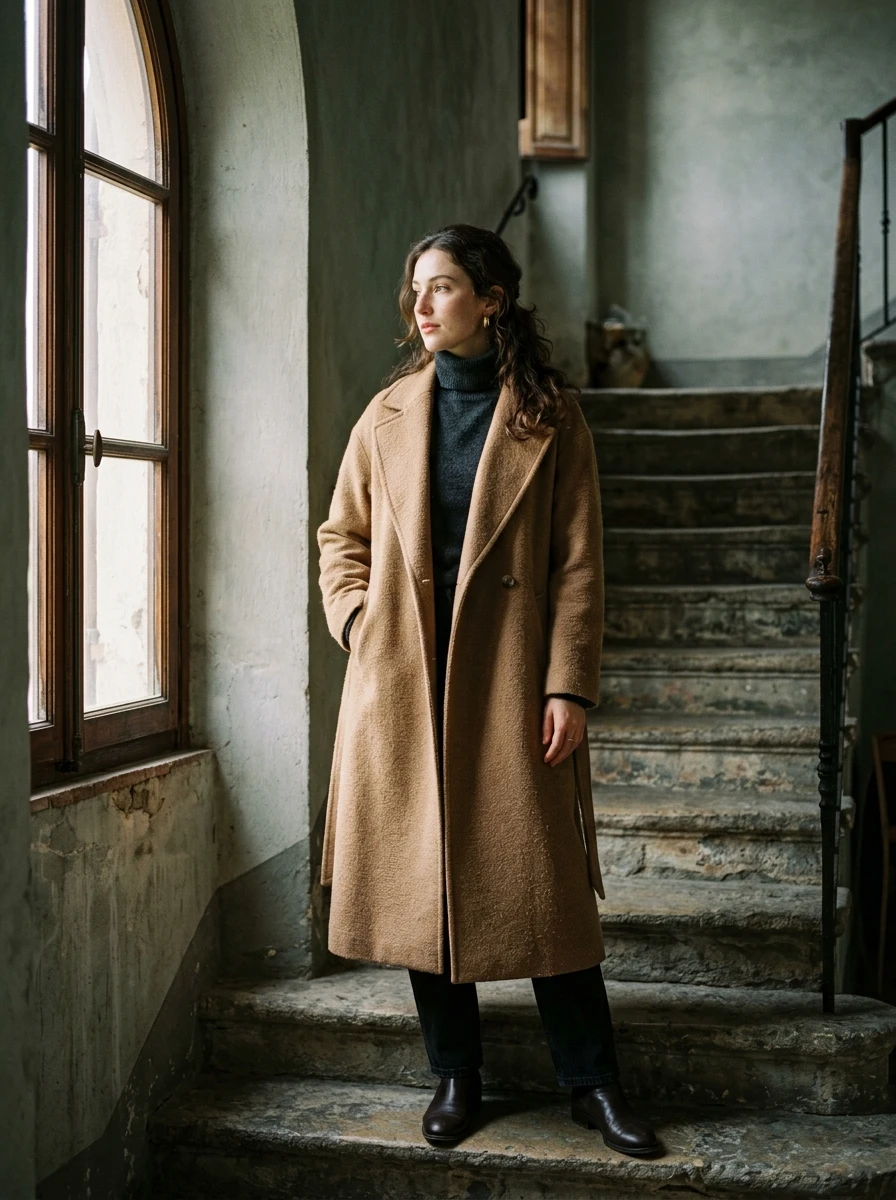
01EDITORIAL PORTRAIT
GOOGLE · GEMINI 3.1 FLASH IMAGE
Your idea. A whole new visual world.
From a tactile product shot to a poster with a point of view. Describe the subject, light and composition, and explore your visual direction with Nano Banana 2.
Available options and estimated credits are shown in the studio.
ONE MODEL. MANY DIRECTIONS.
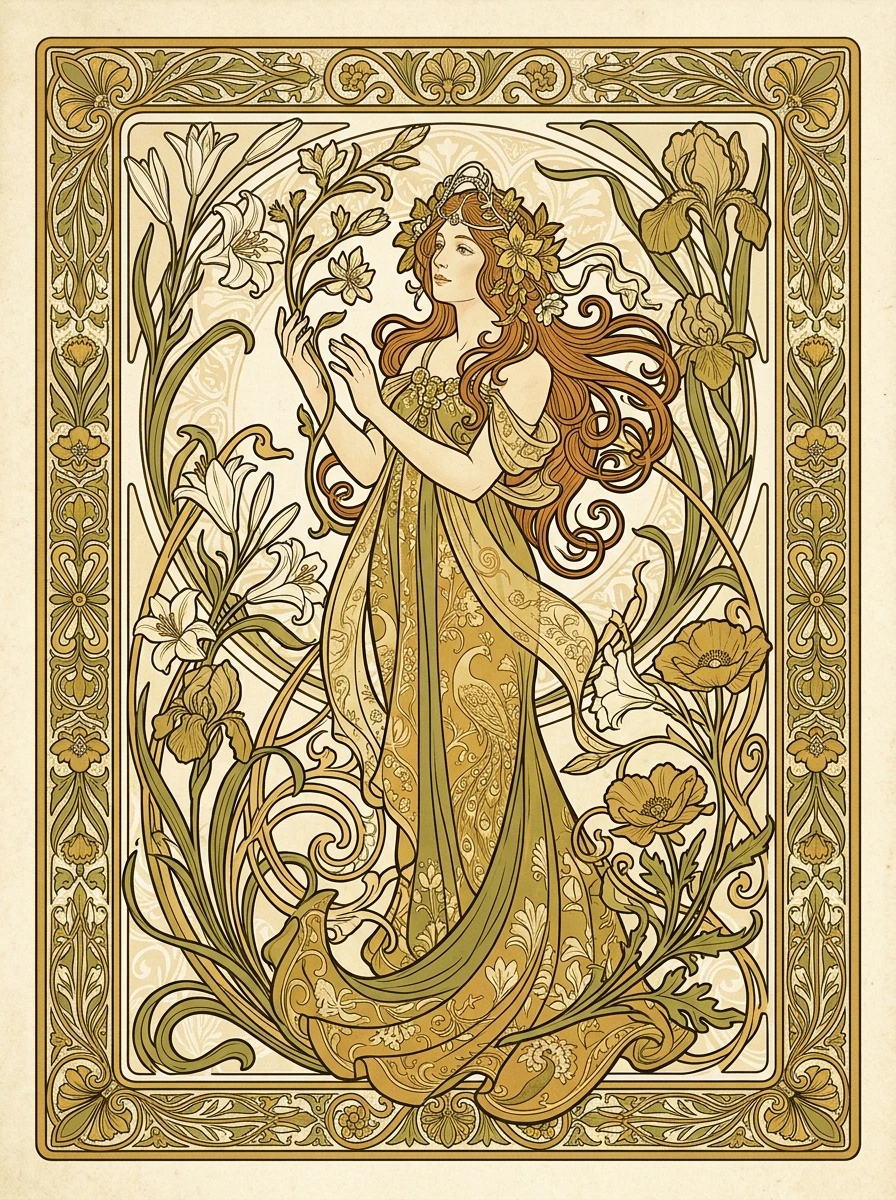
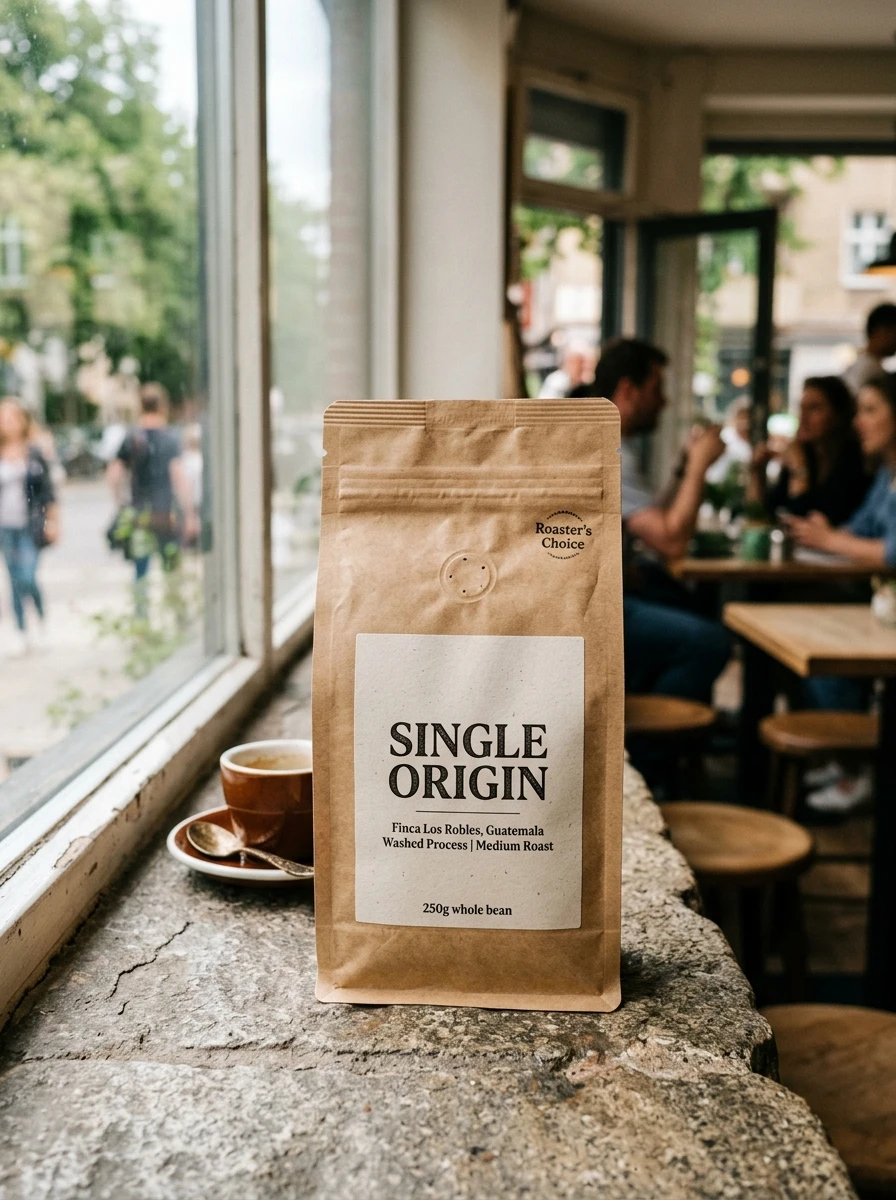
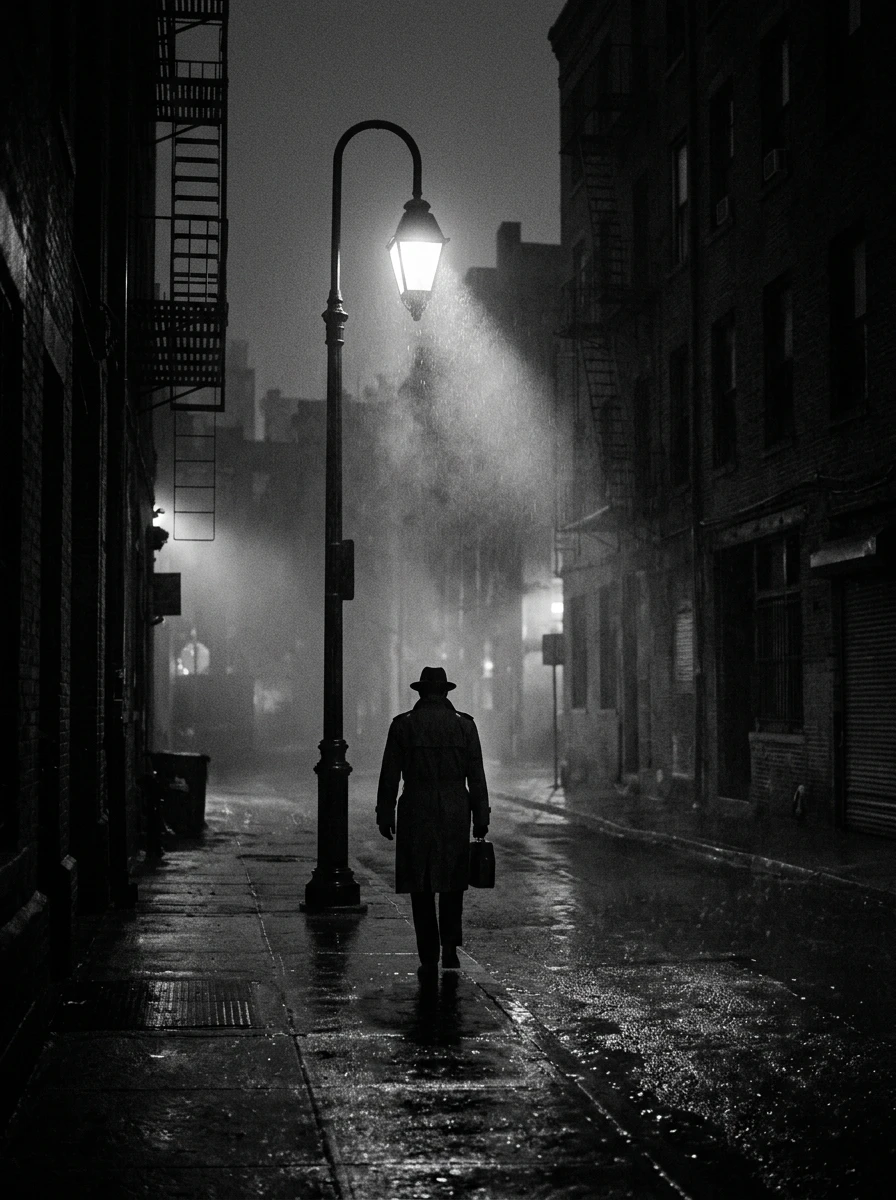
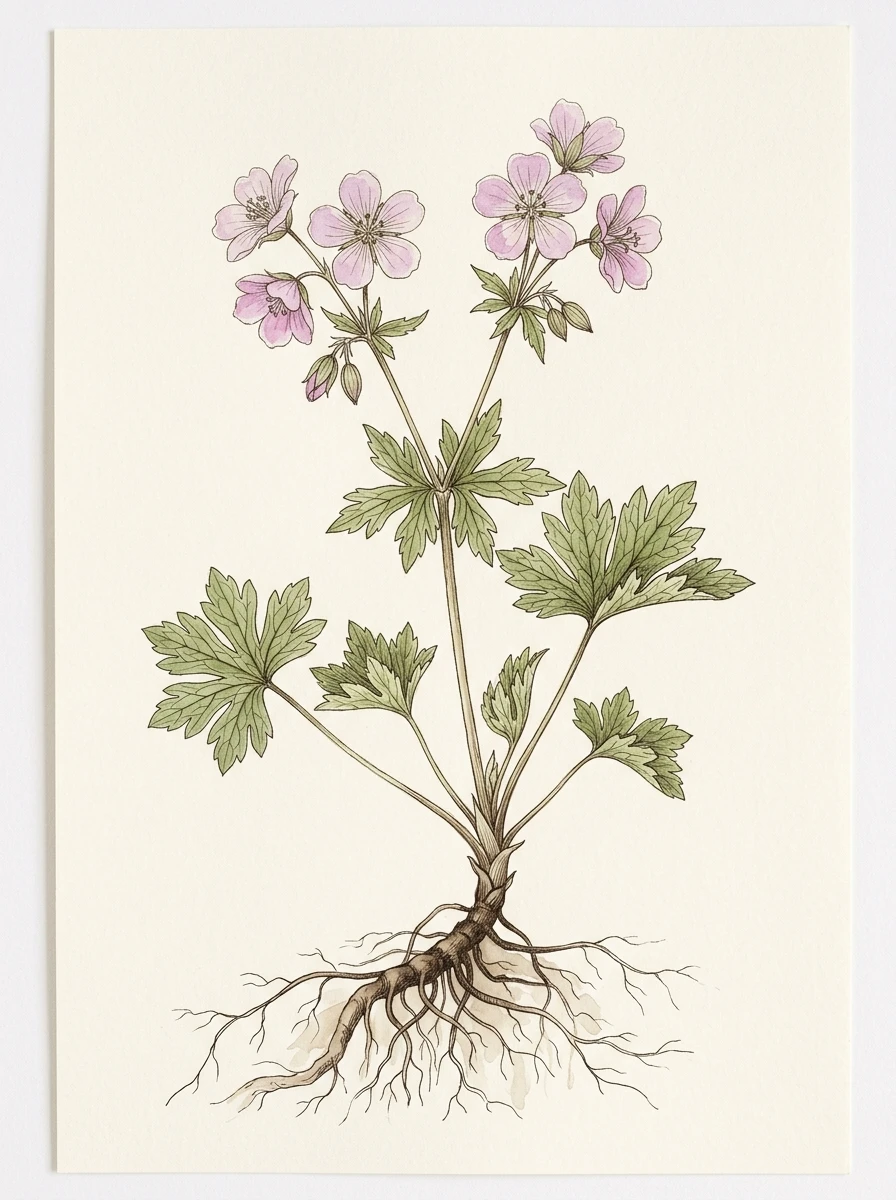
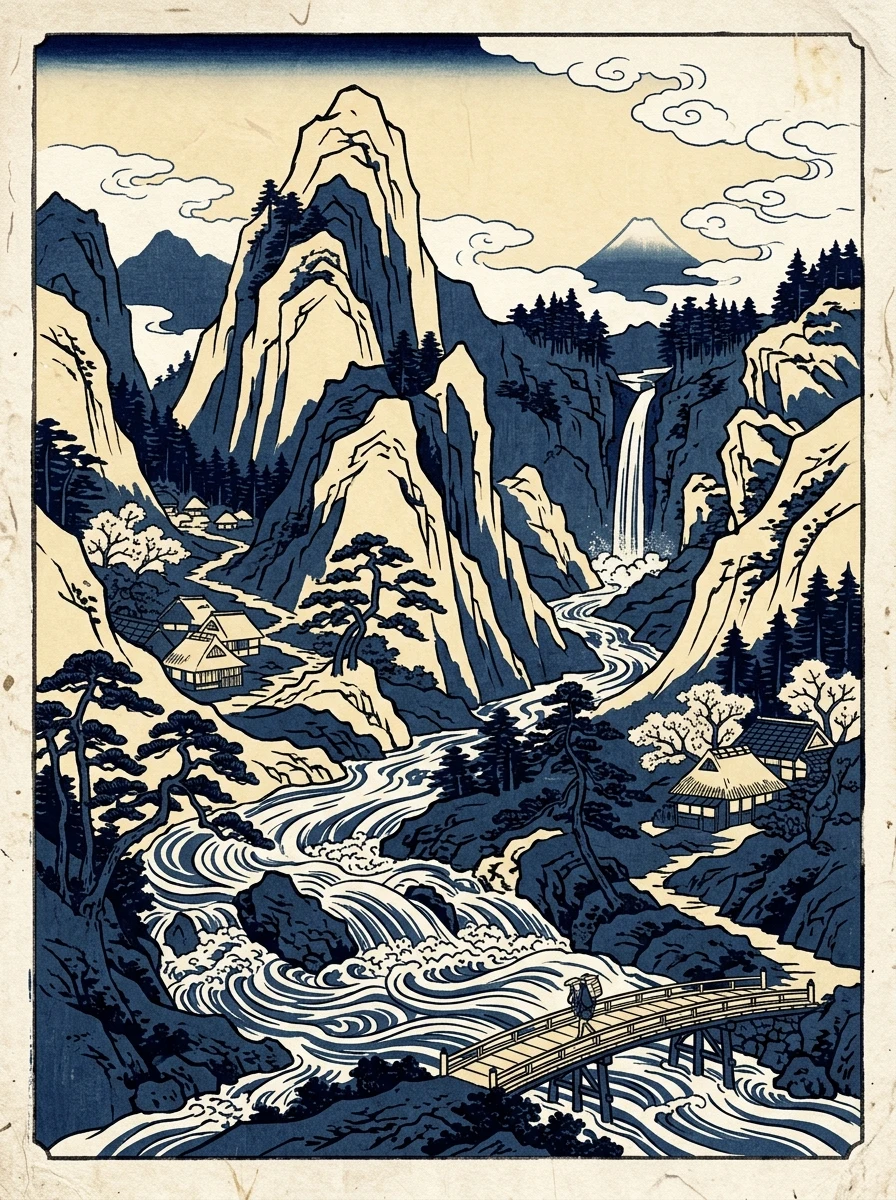
Six images generated with Nano Banana 2, from editorial photography to decorative illustration. Open an example to see the exact generation prompt and explore your own variation.
01EDITORIAL PORTRAIT
02DECORATIVE ART
03PRODUCT & PACKAGING
 04
04CINEMATIC MOOD
 05
05BOTANICAL STUDY
 06
06PRINT & ILLUSTRATION
Nano Banana 2 · AI-generated example
MEET THE MODEL
Nano Banana 2 is Google’s Gemini 3.1 Flash Image model for image generation and conversational editing. It is a useful starting point for exploring compositions, visual styles and images that include text. Ruxa brings its entry point into one image studio, where you can write a prompt, check tasks and choose results.
Read Google’s model documentationA BETTER BRIEF. A BETTER START.
Start with one clear scene, then refine it. Changing too many instructions at once makes it harder to see what actually improved the result.
Explain who or what is in the scene and what the image is for. A product hero, book cover and social poster need different compositions.
Name the framing, light, palette and materials. “Soft side light, pale stone, frosted glass” gives more direction than a pile of quality adjectives.
Put exact text in quotes and explain its position and hierarchy. Test a short headline first; finish long copy and precise layouts in a design tool.
Choose a ratio and quantity in the studio and check the credit estimate before generating. Compare the subject, details and lettering, then refine the weakest part.
IN THE RUXA STUDIO
Controls reflect the current integration
A LITTLE MORE CLARITY
Yes. Nano Banana 2 is Google’s name for its Gemini 3.1 Flash Image model. This page explains that model and links to its entry in the Ruxa image studio.
Start with product photography, packaging concepts, social posters, editorial portraits or illustration. The examples show different visual directions. Results depend on your prompt, the complexity of the scene and the individual generation.
Put the exact words in quotation marks and describe their placement, hierarchy and background. Begin with short copy and check every word afterwards. Finish important commercial layouts in a design tool.
Yes. Upload a reference while Nano Banana 2 is selected, or select an existing result to continue modifying it. The studio uses the available editing mode automatically. Check the attached image and current upload limits before submitting.
Select the model and image count in the studio to see the estimated total. Pricing and available options can change, so this page does not promise a fixed per-image fee. You can also review the pricing page before buying credits.
The examples show their exact generation prompts. Using the same prompt can still produce a different image. Keep the reference, model and settings consistent when exploring a variation, then inspect the result.
Check its status in generation tasks before submitting it again. Review the task result and your credit record, then decide whether to retry. Use Ruxa account support if you need help.
MAKE SOMETHING YOURS
Pick a direction. Write your first prompt.
Open image studio