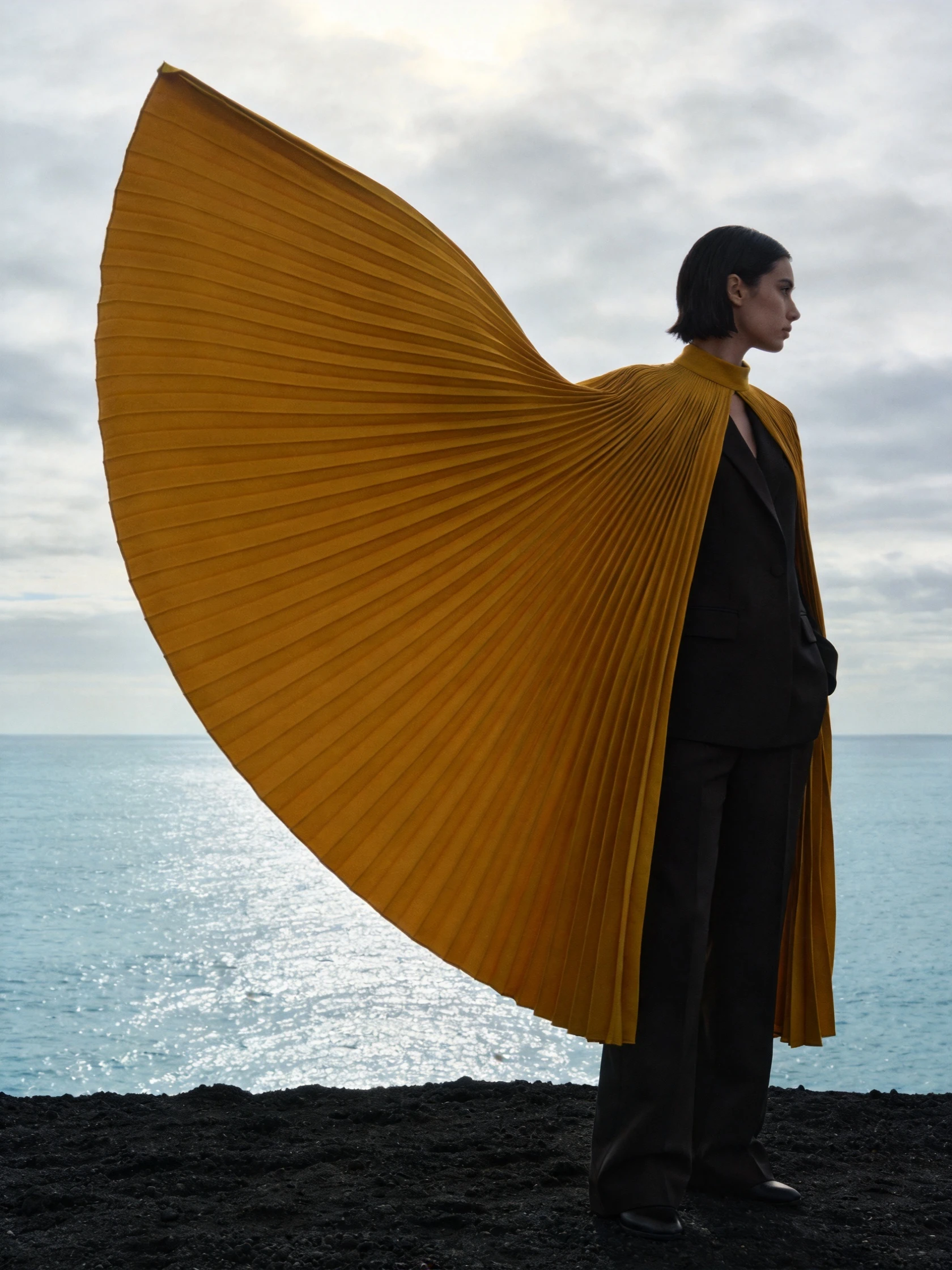
Reference image
Reference imageReference-based video
Two references, one fashion story
Seedance 2.5
ByteDance
Direct a scene with a richer reference set
Explore Seedance 2.5 reference-based video workflows, from a clear creative prompt to coordinated motion, with practical guidance for organizing mixed media.
Available options and estimated credits are shown in the studio.
FIND YOUR CREATIVE DIRECTION
Explore the composition, compare the source where available, and open the prompt to understand the creative choices.
Reference image
Reference imageReference-based video
Seedance 2.5
MEET THE MODEL
A larger reference set is useful only when its purpose is clear. Seedance 2.5 supports image, video and audio references, as well as a separate first-and-final-video-frame workflow. Use those options to define a scene deliberately: decide what the subject looks like, how it moves and what the final moment should communicate.
MEET THE MODELTURN YOUR IDEA INTO A CLEAR BRIEF
Start with one clear outcome. Describe what matters, then change one element at a time.
Decide between a reference-led scene and a first-and-final-video-frame transition. These modes should not be treated as interchangeable.
Select the few inputs that define the idea. Describe their roles and remove duplicates or visual conflicts.
Specify the main action and final composition. Check the last moment for continuity, timing and a readable subject.
IN THE RUXA STUDIO
Controls reflect the current integration
A LITTLE MORE CLARITY
No. Begin with the smallest set that communicates the idea. Add an input only when it provides a missing visual or motion constraint.
Use that workflow when the beginning and ending composition are central to the idea. Use reference mode when appearance, setting or motion examples matter more.
No. The documented reference counts, duration limits and output choices differ. Use the settings for the exact version you select.
MAKE SOMETHING YOURS
Pick a direction. Write your first prompt.
Open video studio