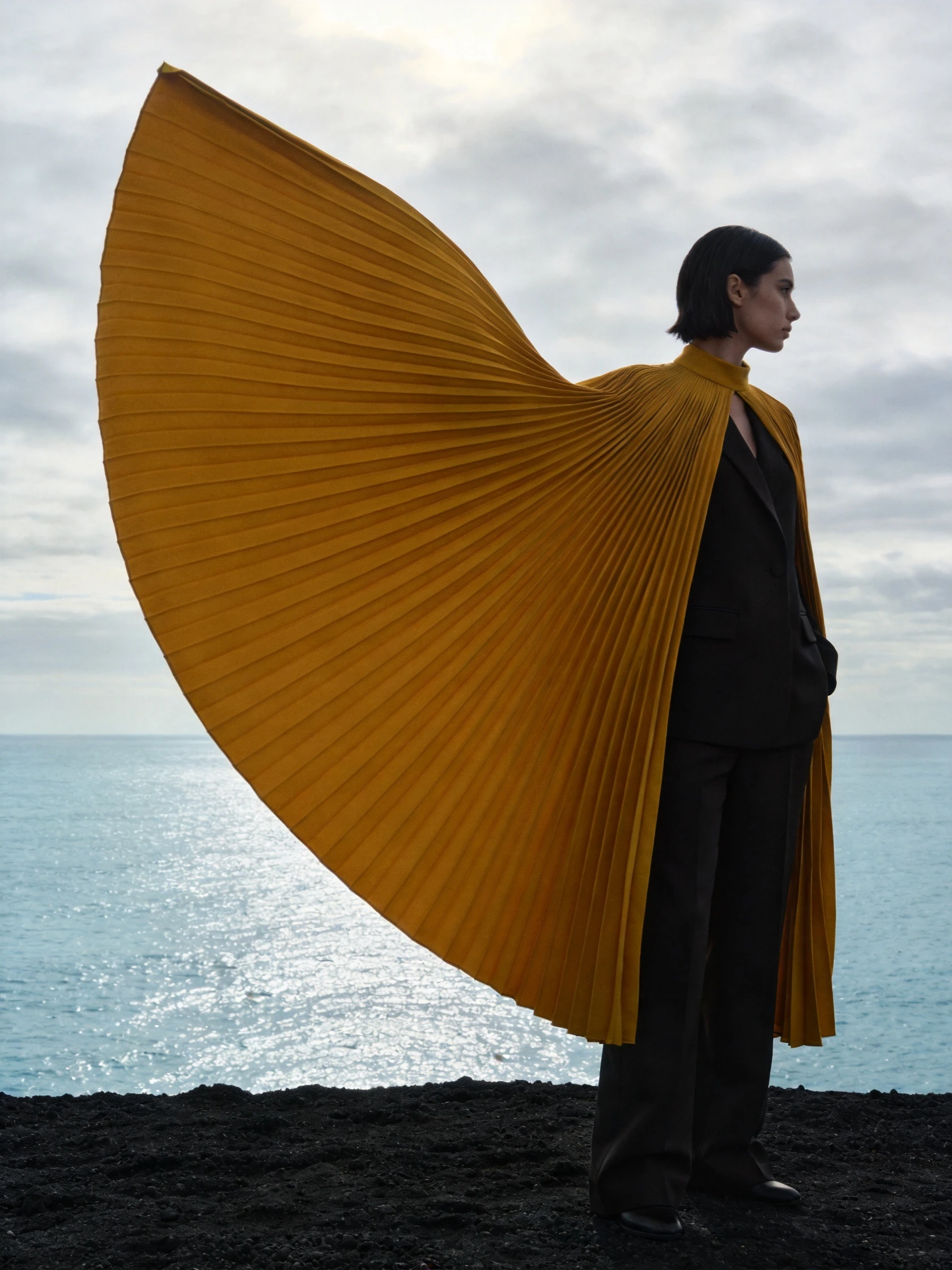
Reference image
Reference imageImage to video
The shape of a sea breeze
MiniMax H3
MiniMax
Give a moving idea a clear destination
Explore MiniMax H3 video creation with deliberate motion, reference inputs and first-and-final-video-frame planning, plus tips for making the final moment count.
Available options and estimated credits are shown in the studio.
FIND YOUR CREATIVE DIRECTION
Explore the composition, compare the source where available, and open the prompt to understand the creative choices.
Reference image
Reference imageImage to video
MiniMax H3
MEET THE MODEL
A video scene is easier to direct when its final composition is clear. Describe not just a movement but the final pose, object placement or camera position. MiniMax H3 includes text-to-video, image-to-video and reference-based modes, so the starting point can be a written scene, a video frame or a set of creative references.
MEET THE MODELTURN YOUR IDEA INTO A CLEAR BRIEF
Start with one clear outcome. Describe what matters, then change one element at a time.
Decide where the subject should finish and what the final video frame should show. A simple landing, turn or reveal is easier to evaluate than an open-ended sequence.
Use a written creative prompt for a new scene, a clear image for a visual starting point or references with specific roles.
Connect the start and finish with one readable motion. Review contact, object structure and the final pose across the whole clip.
IN THE RUXA STUDIO
Controls reflect the current integration
A LITTLE MORE CLARITY
It is useful when a video scene must finish on a particular pose or composition. Check how naturally the action reaches that endpoint.
Specify a simple path, a clear speed and a physical endpoint. Watch for sliding, intersecting surfaces or changes in the object shape.
The documented reference mode accepts all three input types within its limits. Assign each input a role and avoid contradictory direction.
MAKE SOMETHING YOURS
Pick a direction. Write your first prompt.
Open video studio