

Reference image
Reference imageImage to video
A still becomes a video scene
Grok Imagine
xAI
Give a still image a direction
Explore Grok Imagine image-to-video with a floating-object scene and moving fabric, plus prompts that separate subject movement from camera movement.
Available options and estimated credits are shown in the studio.
FIND YOUR CREATIVE DIRECTION
Explore the composition, compare the source where available, and open the prompt to understand the creative choices.
Reference image
Reference imageImage to video
Grok Imagine
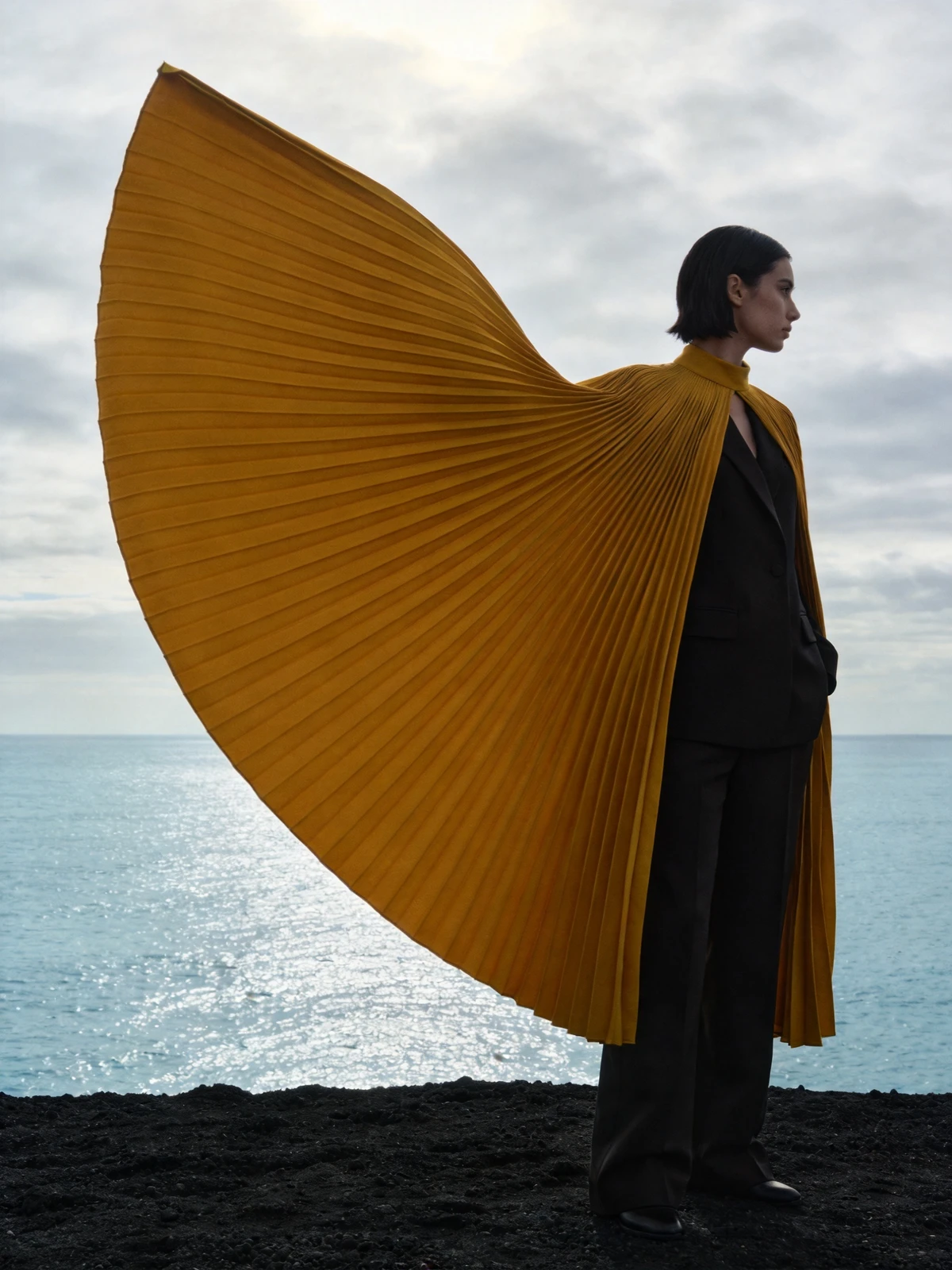
Reference image
Reference imageImage to video
Grok Imagine
MEET THE MODEL
A useful image-to-video prompt answers two different questions: what moves in the scene, and how does the camera observe it? Start with a strong still image, choose a single main motion and give the video scene enough restraint to preserve the subject. Slow movement makes shape changes easier to notice and compare.
MEET THE MODELTURN YOUR IDEA INTO A CLEAR BRIEF
Start with one clear outcome. Describe what matters, then change one element at a time.
Use a clean composition with a readable subject. The original framing should leave space for the intended movement.
Describe the subject movement first, then the camera path. For example, gently moving fabric with a slow push-in is clearer than several competing camera movements.
Watch for shape drift, sudden cuts, intersections and unstable details. Check the beginning and end as carefully as the most attractive frame.
IN THE RUXA STUDIO
Controls reflect the current integration
A LITTLE MORE CLARITY
Use one main action, one camera movement and a clear preservation instruction. Avoid asking the subject, background and camera to perform unrelated changes at once.
A short clip is useful for checking motion, framing and subject stability. Extend the idea after the basic video scene works.
Look at the subject silhouette, distinctive details, lighting and composition. Review several moments in the clip rather than comparing only the first frame.
MAKE SOMETHING YOURS
Pick a direction. Write your first prompt.
Open video studio