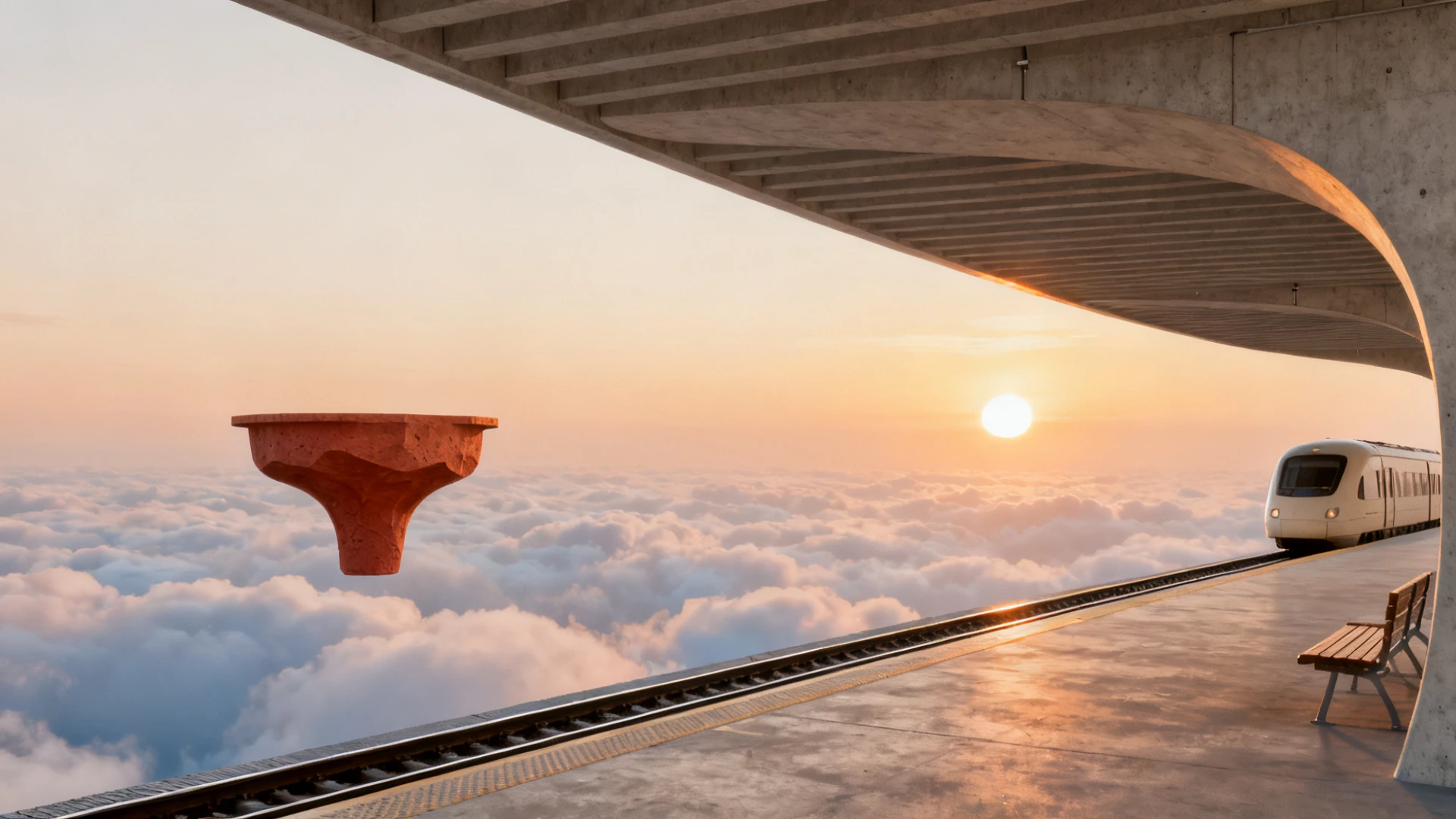
Reference image
Reference imageArchitectural video
A cinematic journey above the clouds
Seedance 2.0
ByteDance
Connect references into a visual story
Explore Seedance 2.0 reference-led video creation: organize character, scene and rhythm references, then plan clear actions and readable camera movement.
Available options and estimated credits are shown in the studio.
FIND YOUR CREATIVE DIRECTION
Explore the composition, compare the source where available, and open the prompt to understand the creative choices.
Reference image
Reference imageArchitectural video
Seedance 2.0
MEET THE MODEL
When a scene depends on several references, each one needs an assigned role. A character image can define appearance, a location image can guide the setting and a motion reference can suggest timing. Seedance 2.0 supports reference images, video and audio, making careful organization as important as the wording of the prompt.
MEET THE MODELTURN YOUR IDEA INTO A CLEAR BRIEF
Start with one clear outcome. Describe what matters, then change one element at a time.
Explain which input defines the subject, setting or motion. Avoid several conflicting images of the same feature.
Describe what happens first, what changes and where the video scene ends. Keep the sequence achievable within the chosen duration.
Review clothing, face, scale and background transitions. If the subject drifts, simplify the references and the action before adding more video scenes.
IN THE RUXA STUDIO
Controls reflect the current integration
A LITTLE MORE CLARITY
Give each input a specific job. State which reference controls appearance, which controls the environment and which is only a motion or rhythm guide.
No. A reference can guide an aspect of the video scene without necessarily becoming its first frame. Choose the mode that matches the intended workflow.
Use one subject, a short action sequence and a clear ending. Review continuity before expanding to more locations or cuts.
MAKE SOMETHING YOURS
Pick a direction. Write your first prompt.
Open video studio