
Readable text inside the image
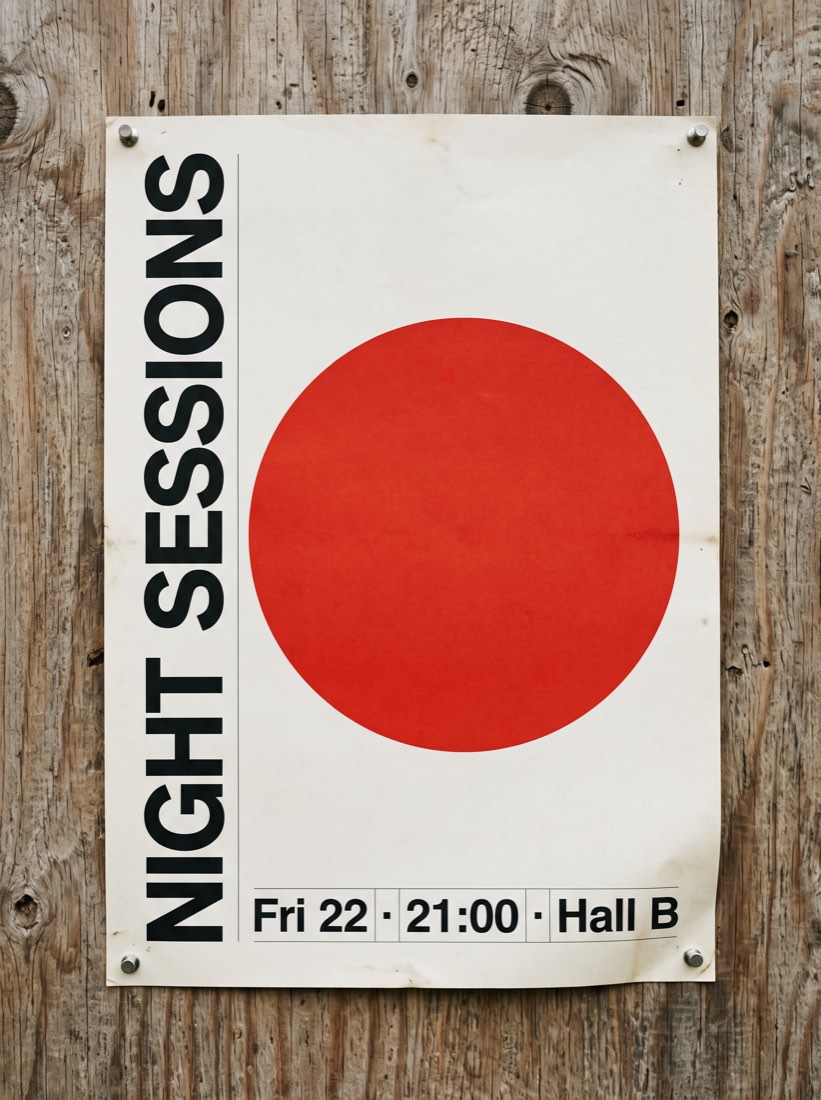
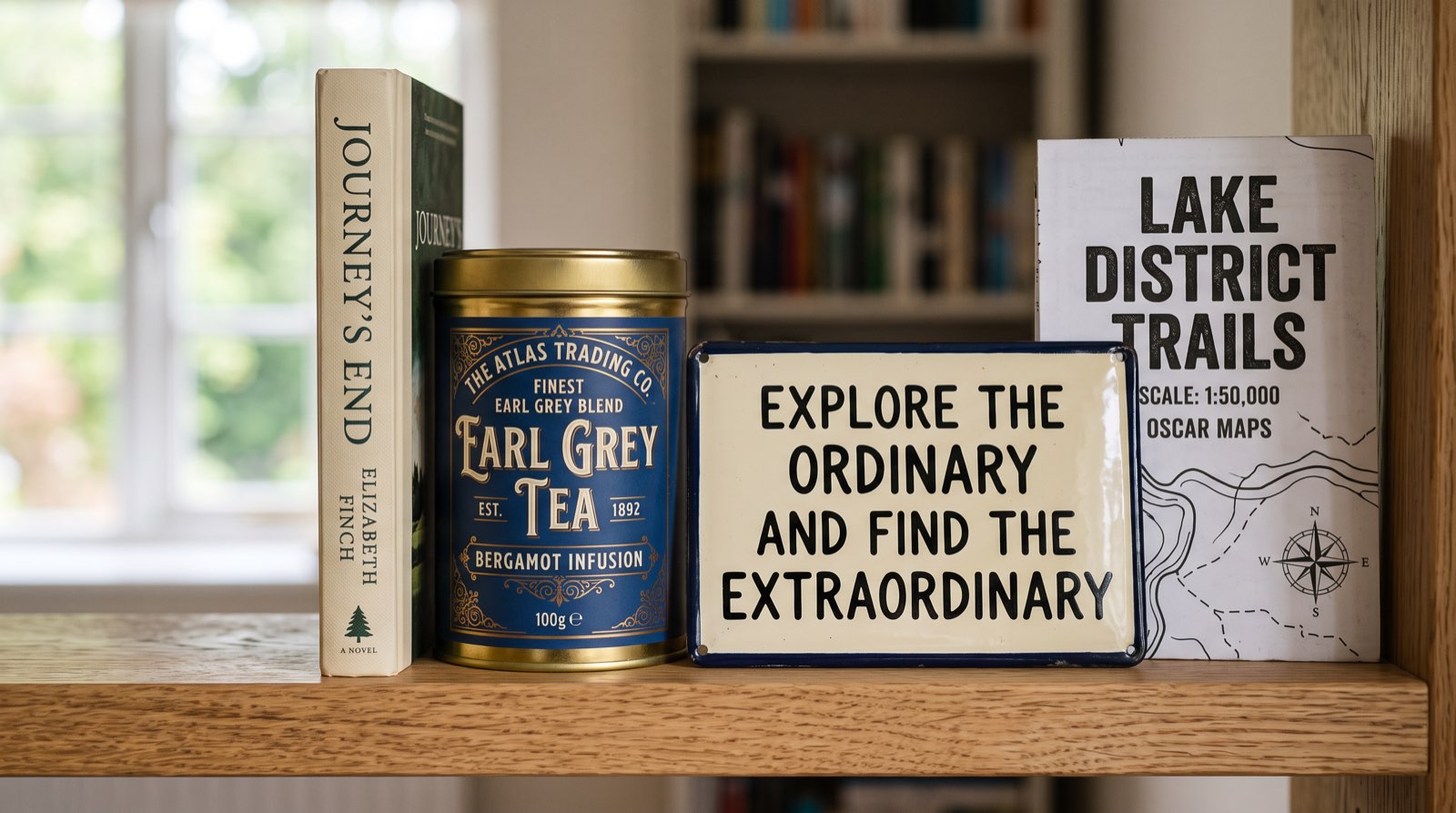
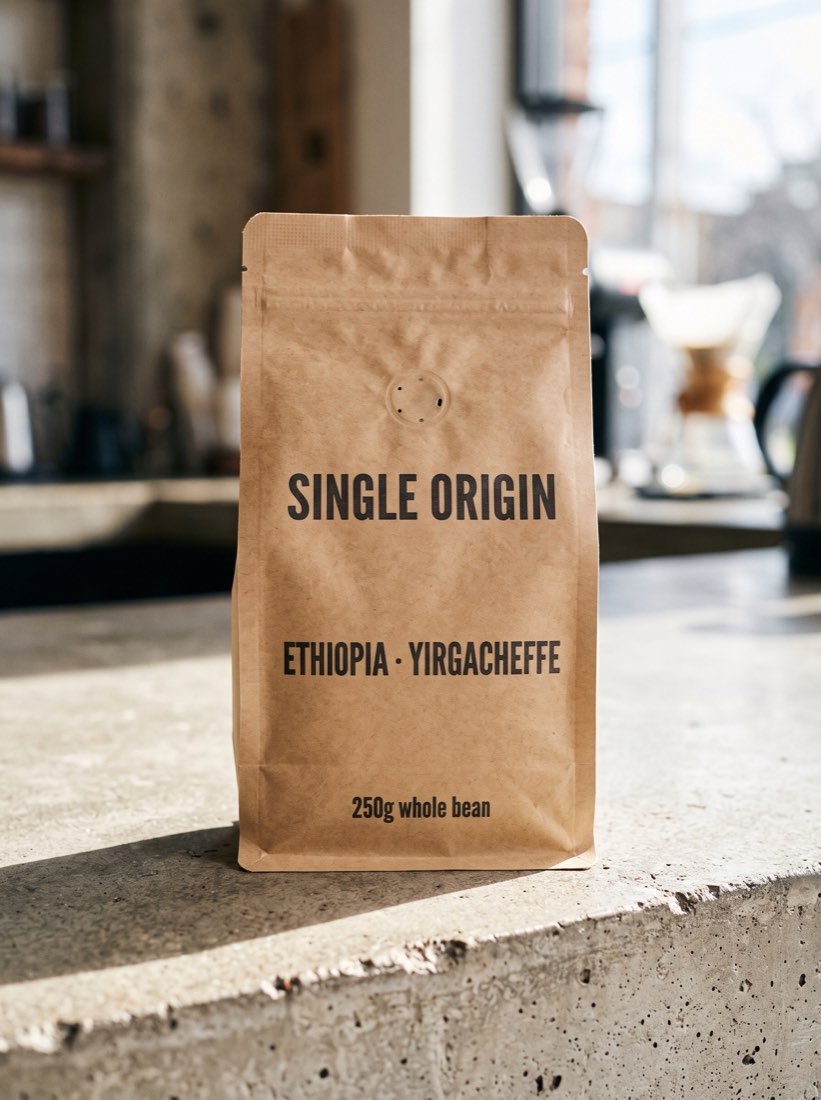
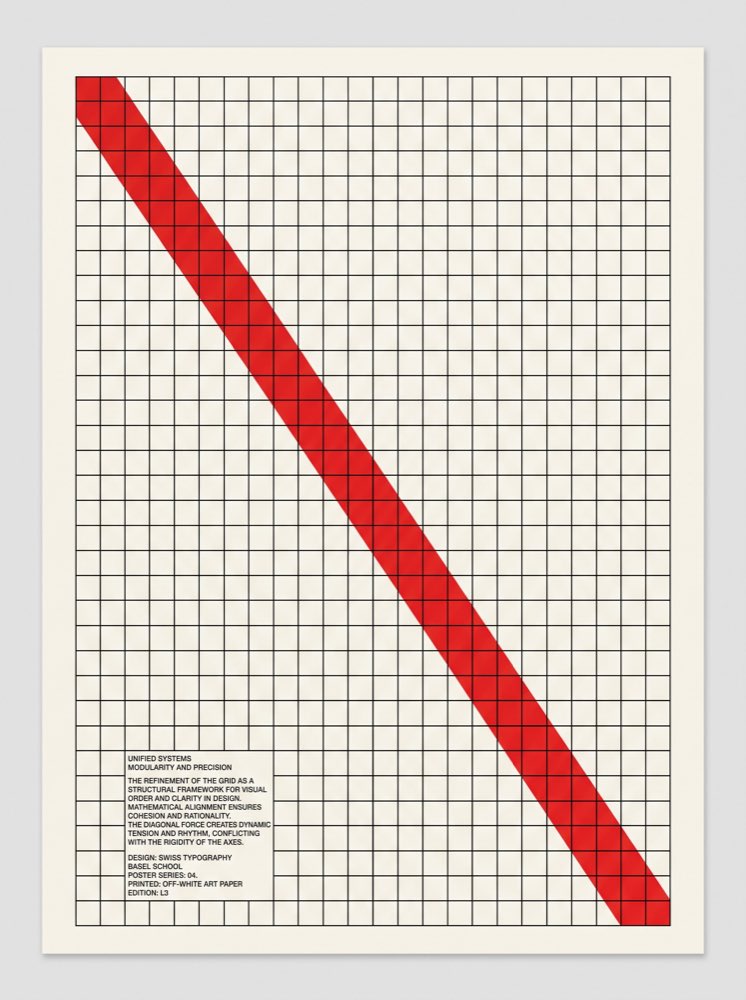
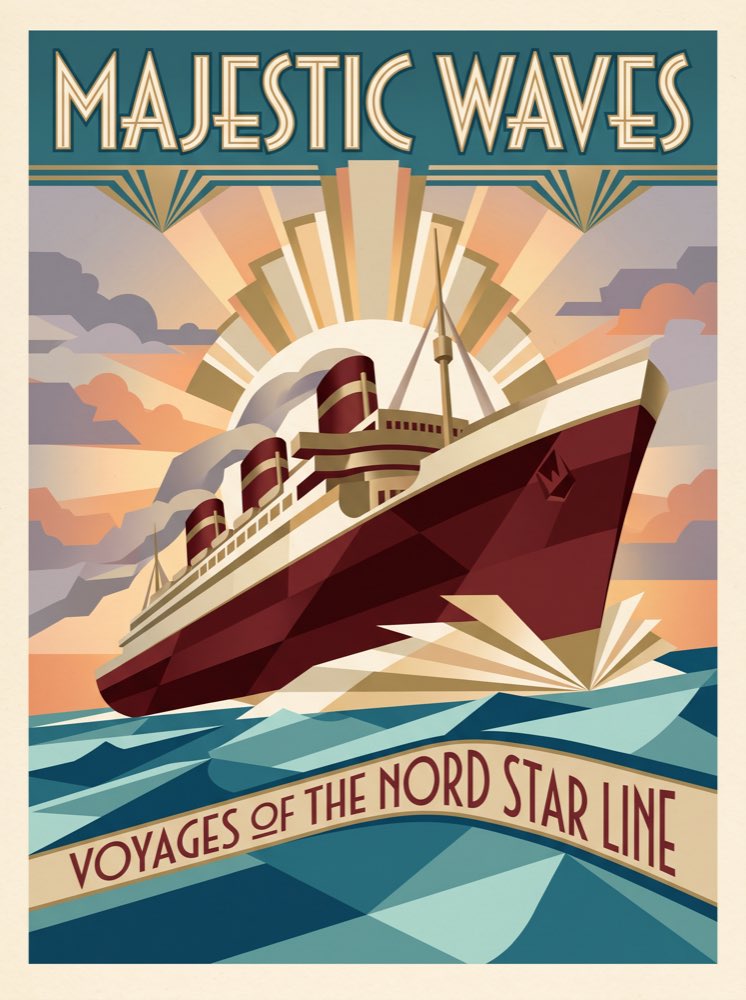
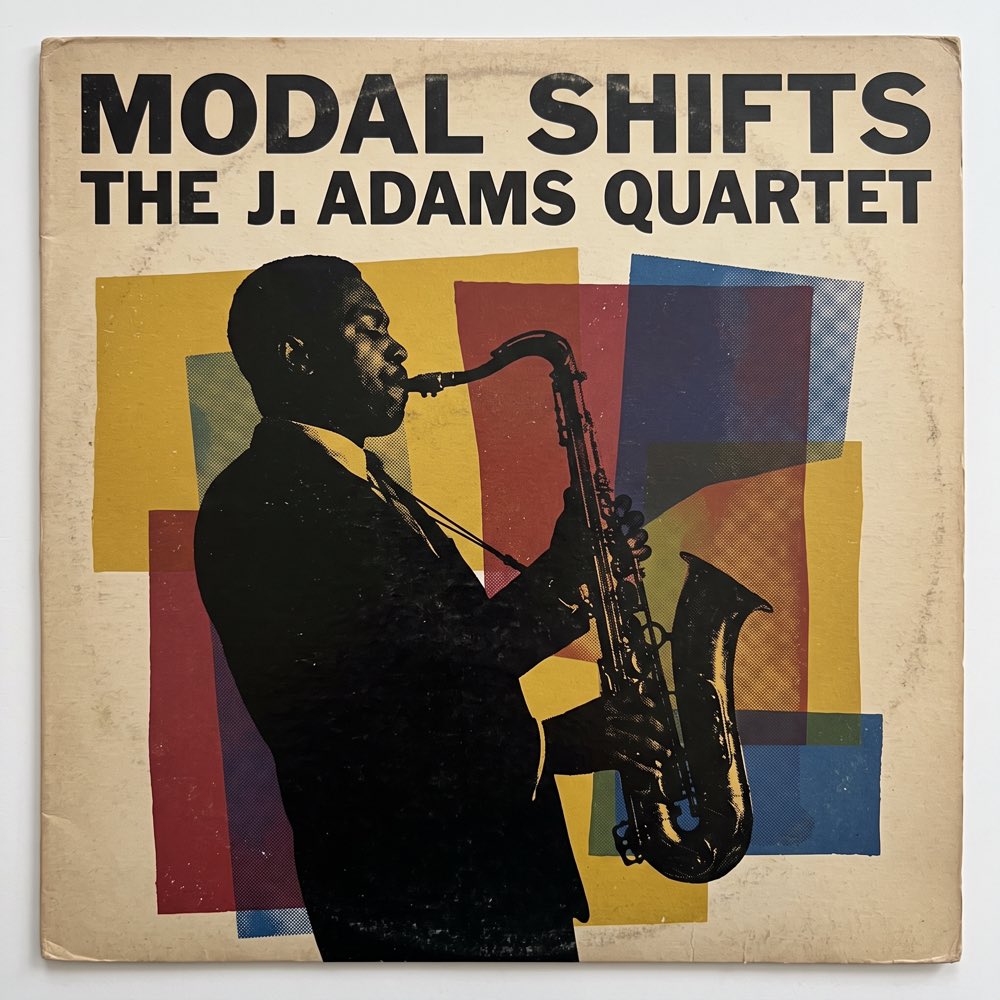
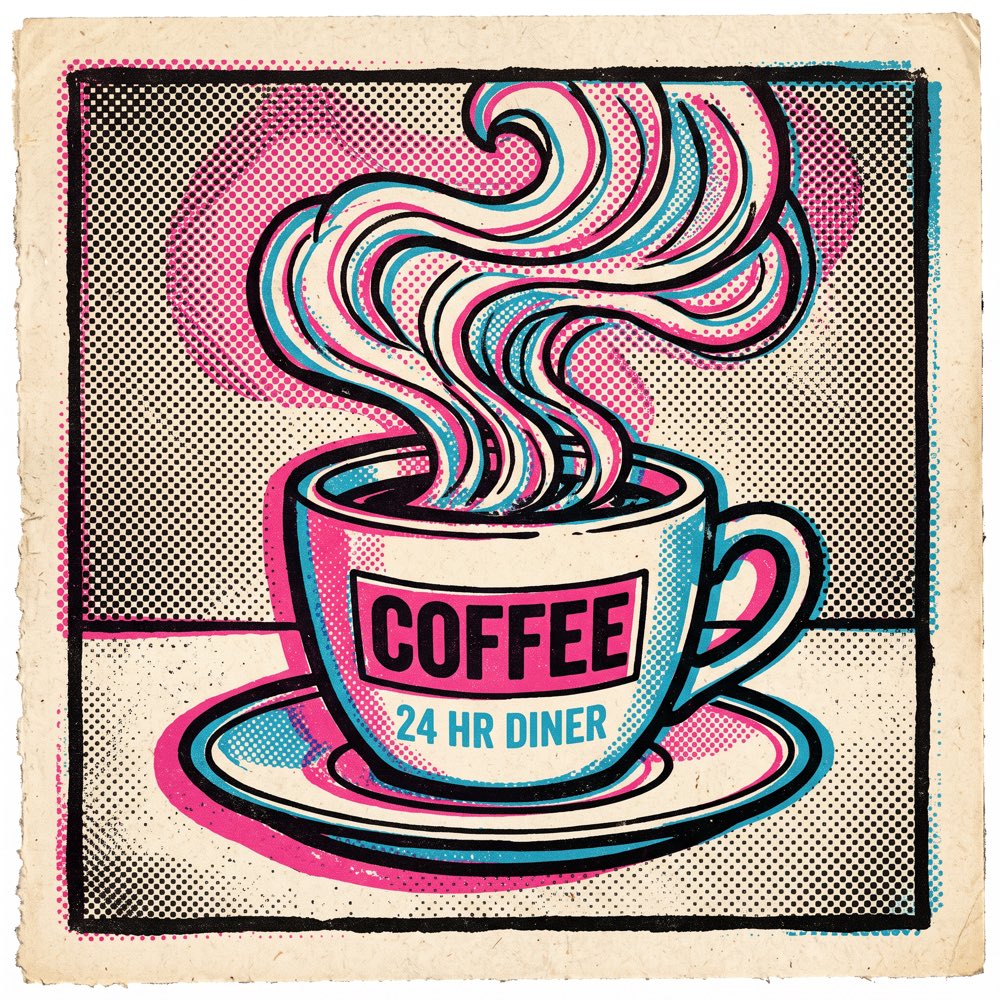
Posters, signs, packaging, covers: the words have to be spelled right, laid out well and belong to the picture. These models are tuned for rendering text inside the image, so a headline and its layout come out together.

A few things to know
Does it handle non-Latin text?
Common characters render reliably on most models. For complex glyphs or long lines, split the text and check at full size after generating.
Can I specify a font?
You can describe the style — bold sans, handwritten, serif print. The model renders to the description; it does not guarantee a match to a specific font.
Which models are best at text?
Every model listed below is strengthened for text rendering, each with its own character. Switch between them in the same account and compare.
Can I get text on a transparent background?
Some models support transparent output. Check the parameters on the model page.
Your next idea looks good here.
Image. Motion. Whatever comes next.