
AI image generation
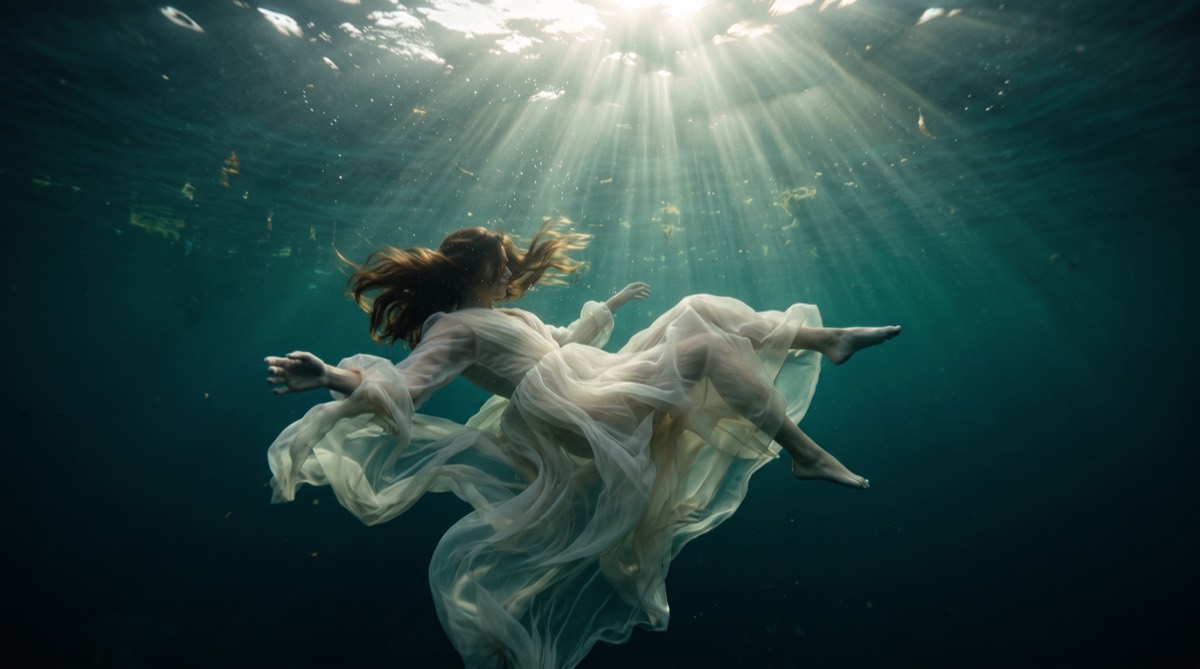
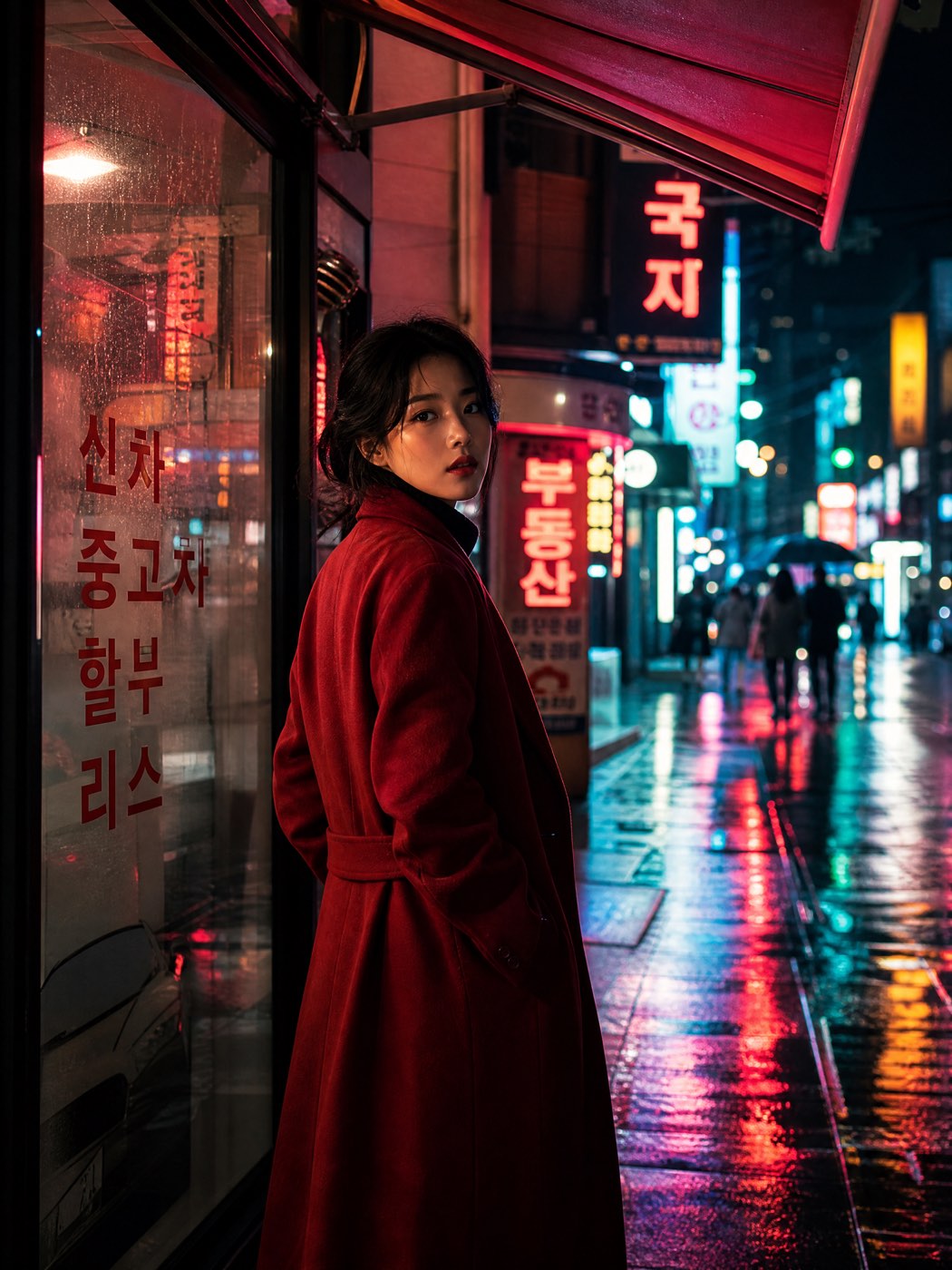
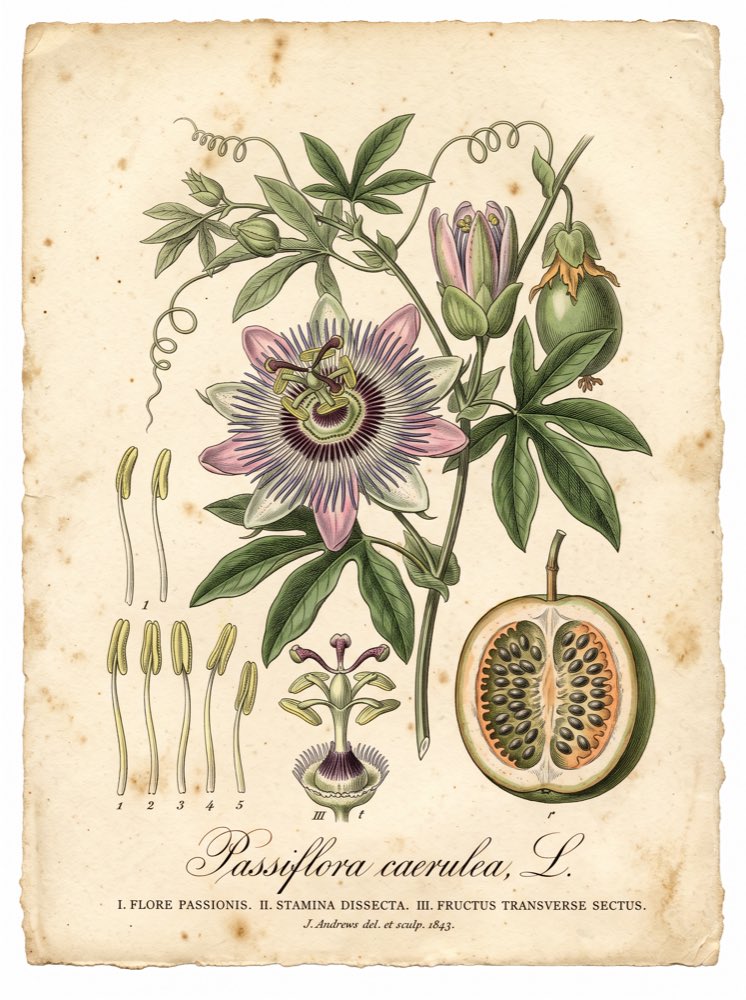
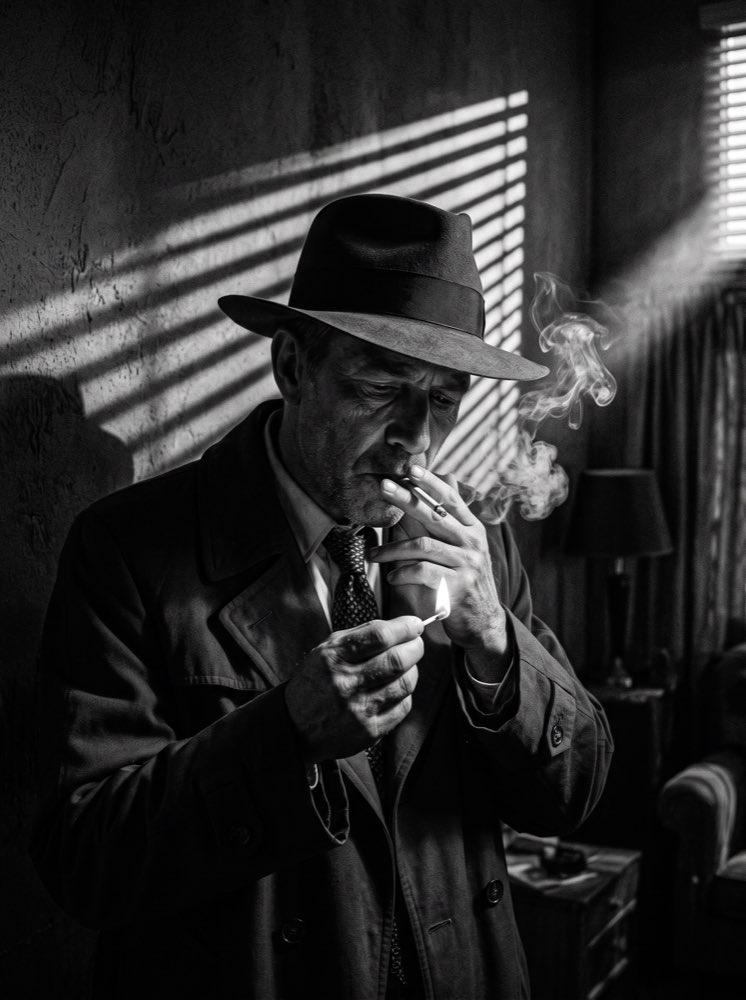
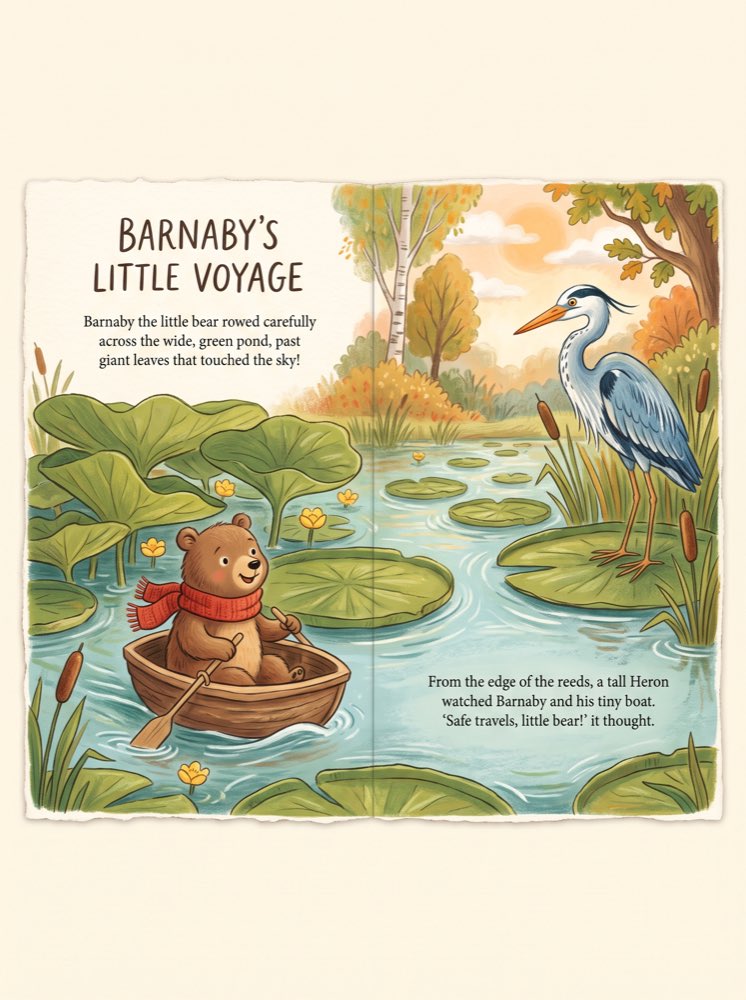
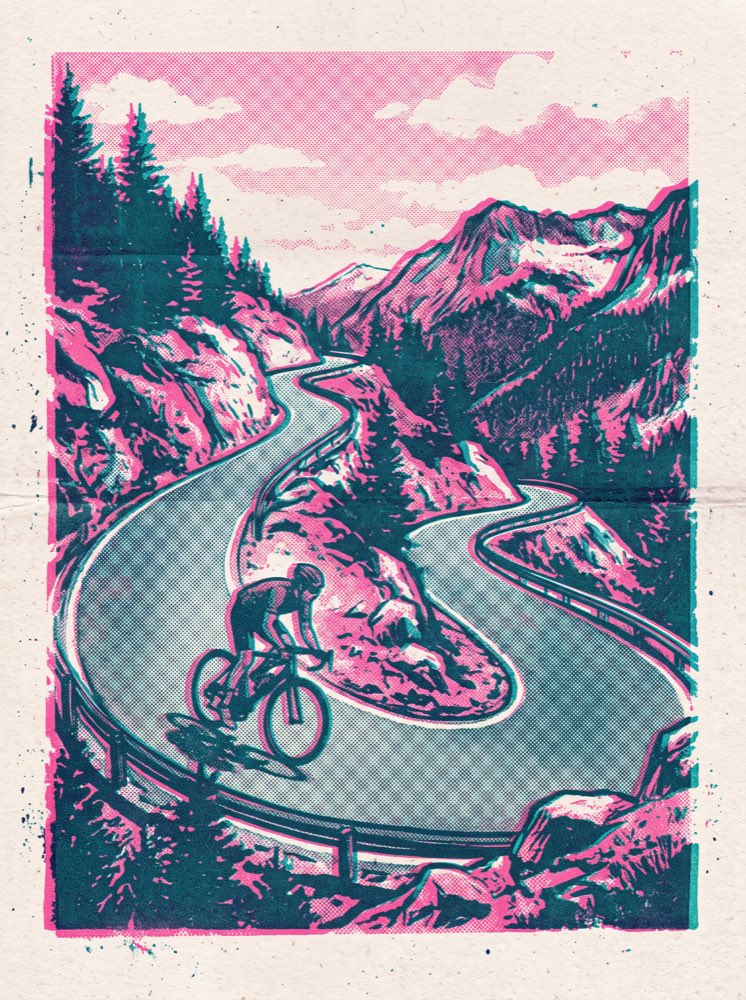
Describe a subject, composition and light, then explore AI image generation and editing in the Ruxa studio. Choose from the models and controls currently available.
A few things to know
Can I use the images commercially?
Yes, subject to each model provider's licence terms. Every model detail page states that model's licence type, so you can check before you generate.
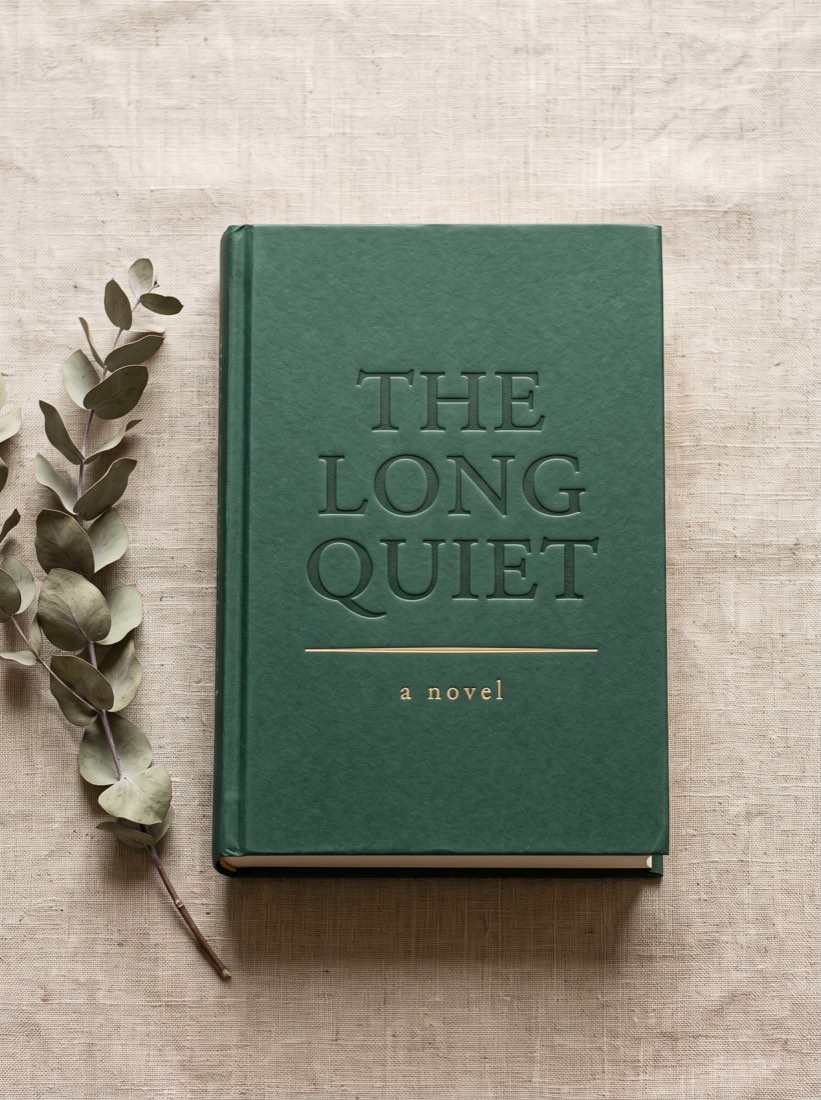
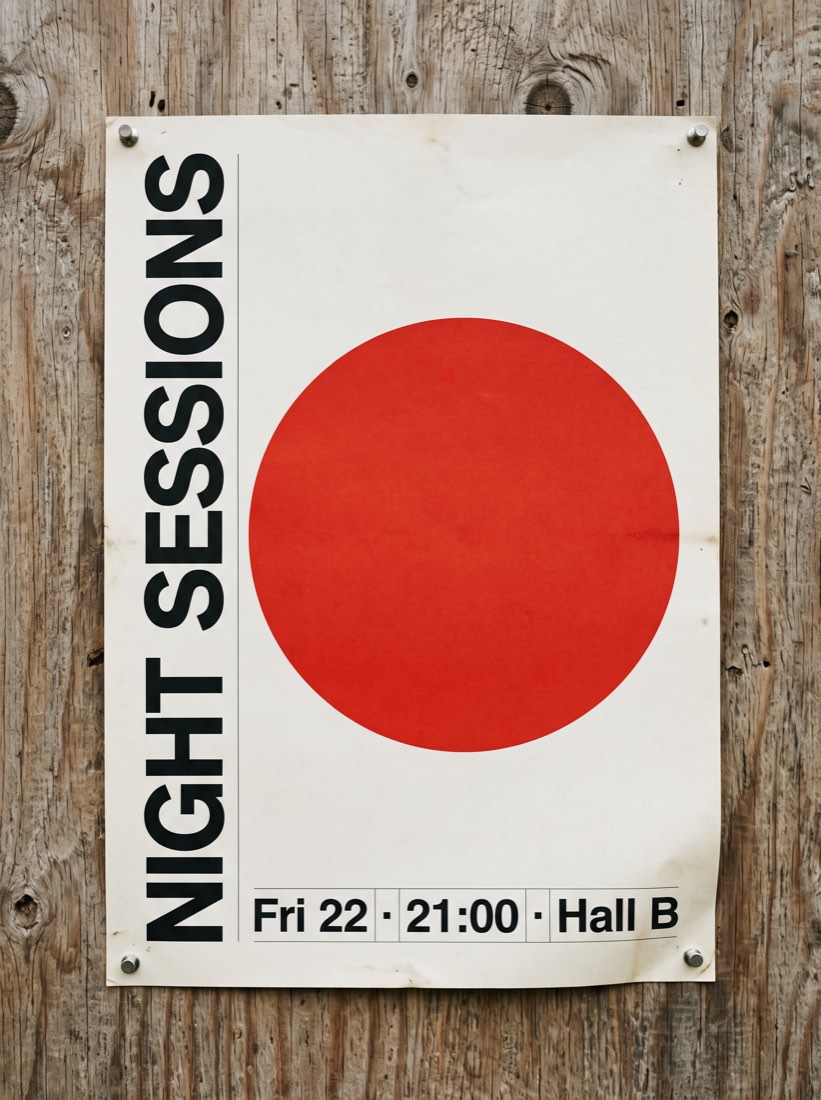
How do I stop the text in the image coming out wrong?
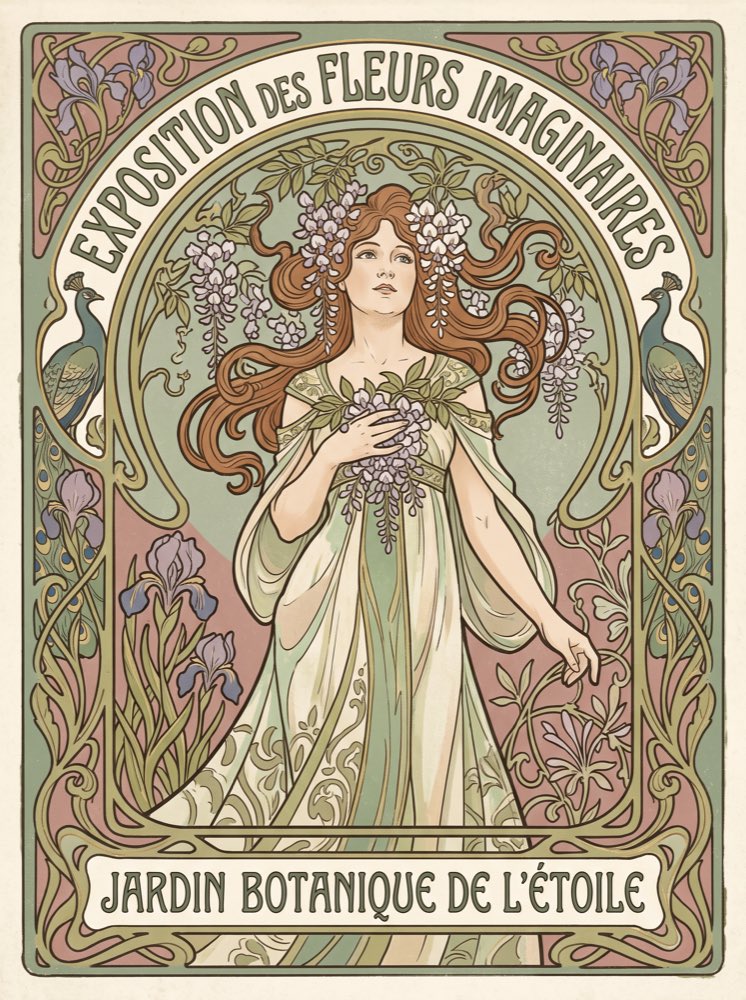
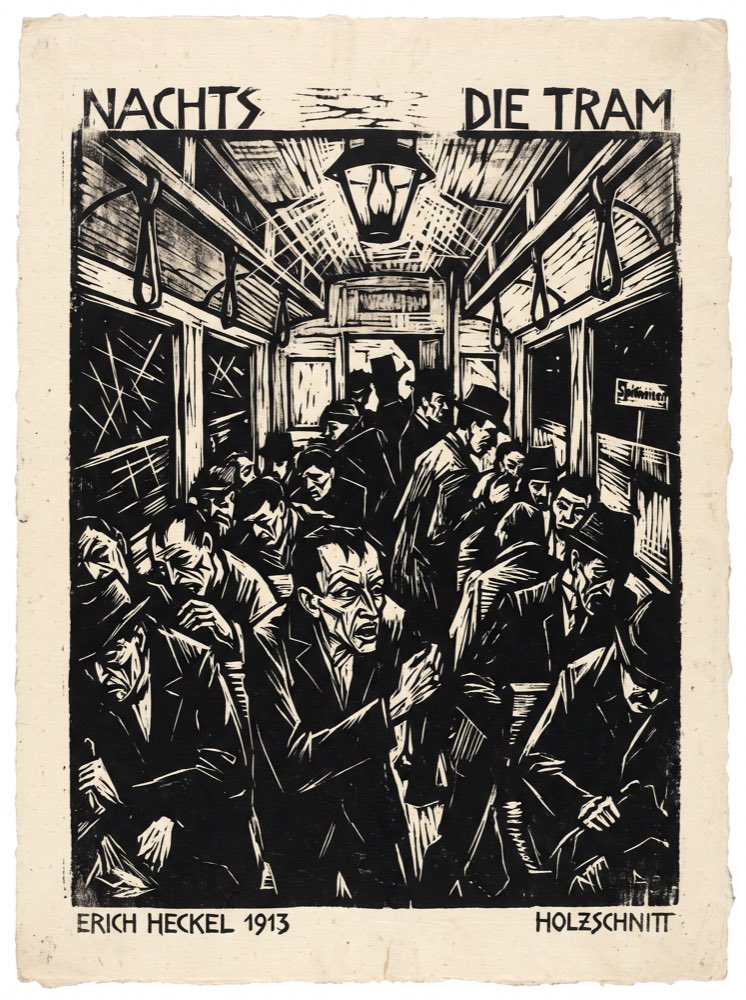
Put the exact words in quotes in your prompt and say where they appear and on what — a sign, a book cover, packaging. Models that support in-image text rendering do this noticeably better; the model list above marks which ones do.
Can I use my own image as a reference?
Yes. Image-to-image and edit-by-typing both accept an upload, and inpainting and outpainting work directly on the image you bring.
How is it billed?
Check the studio quote before generating. Available models, credit charges, account rewards and any handling of failed tasks follow the current studio information and account policy.
Do failed generations cost credits?
Check the studio quote before generating. Available models, credit charges, account rewards and any handling of failed tasks follow the current studio information and account policy.
Can the same character stay consistent across images?
Largely, by going image-to-image — fix one image as the reference and generate from it, and the subject's features carry across. Text prompts alone will not hold a character strictly identical; that is a general limitation of current image models and we would rather say so.
Your next idea looks good here.
Image. Motion. Whatever comes next.