
AI image editing
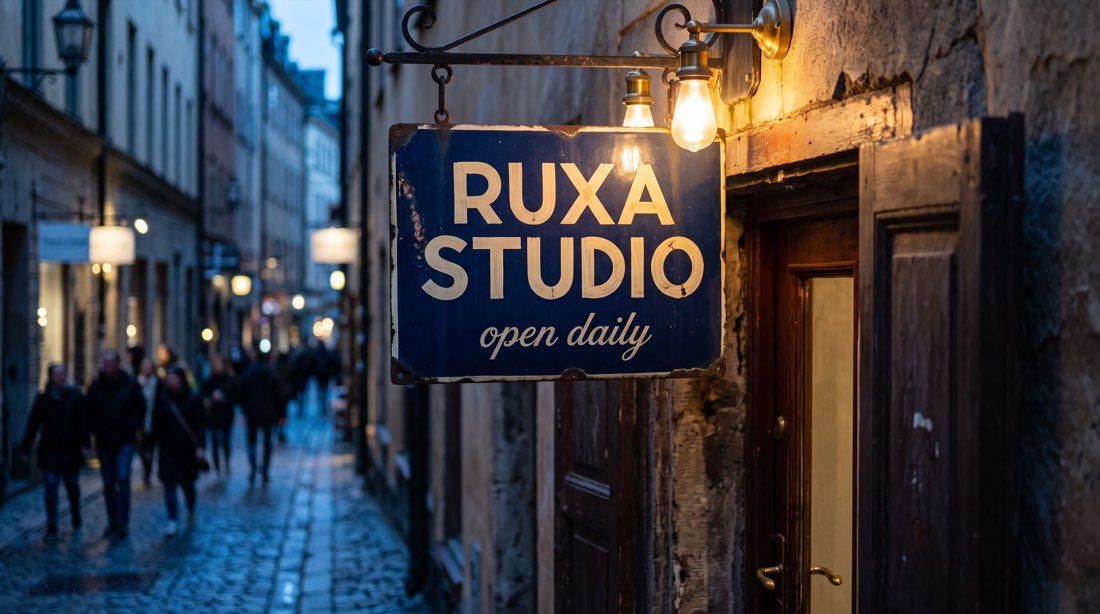
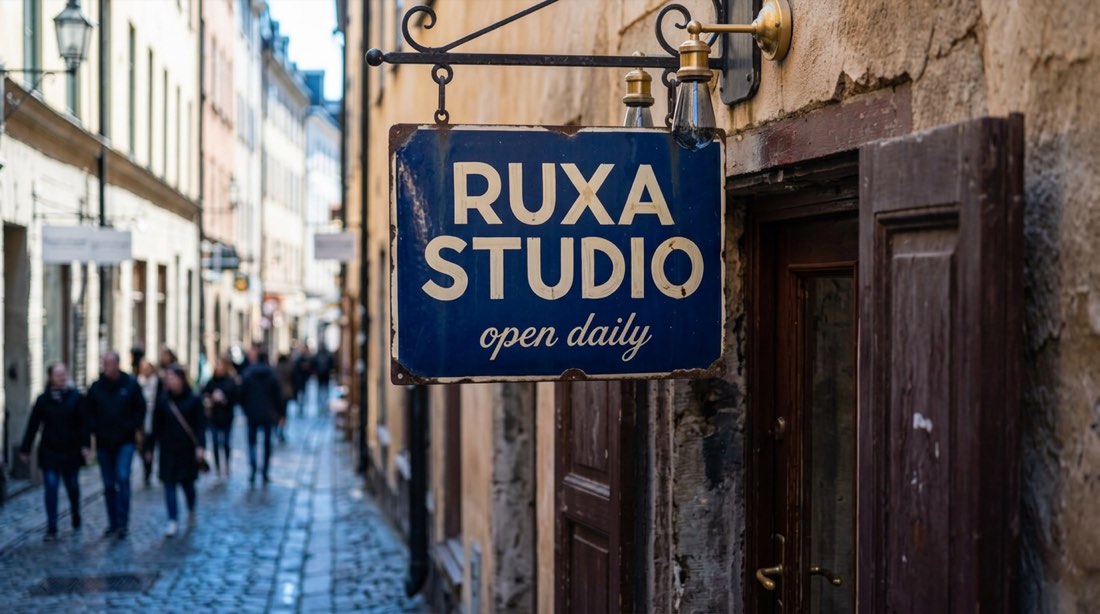
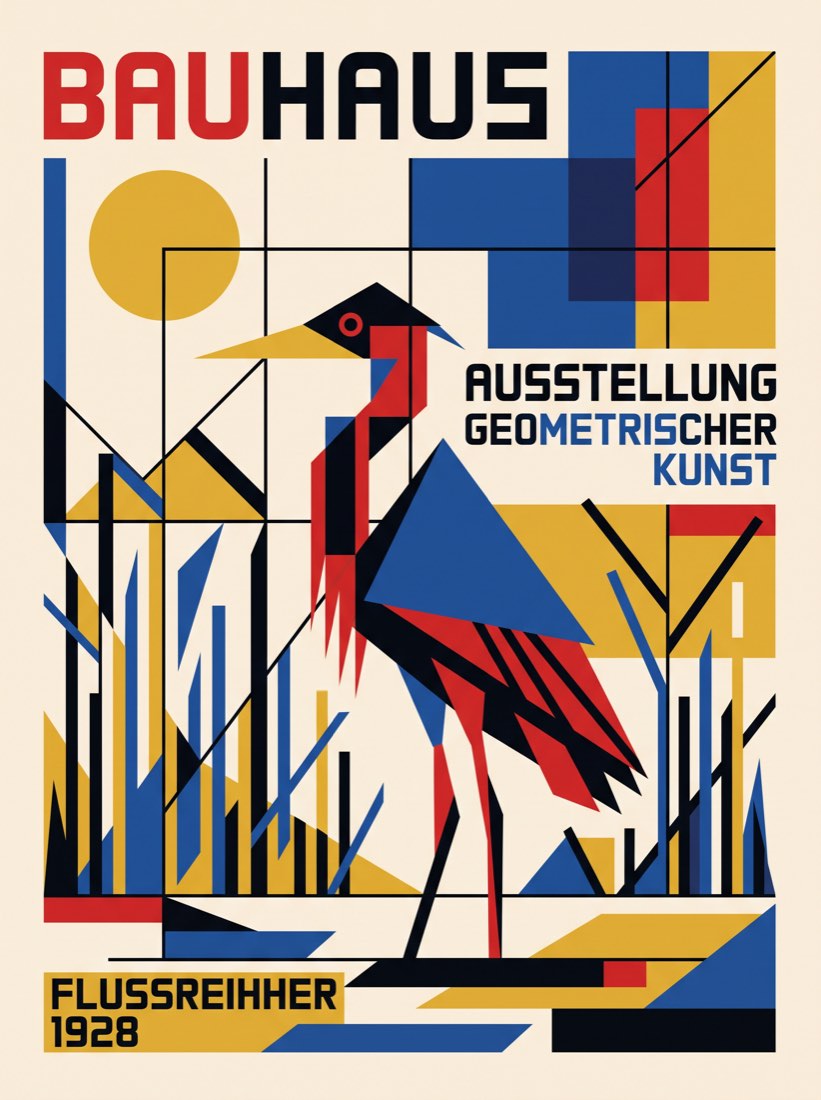
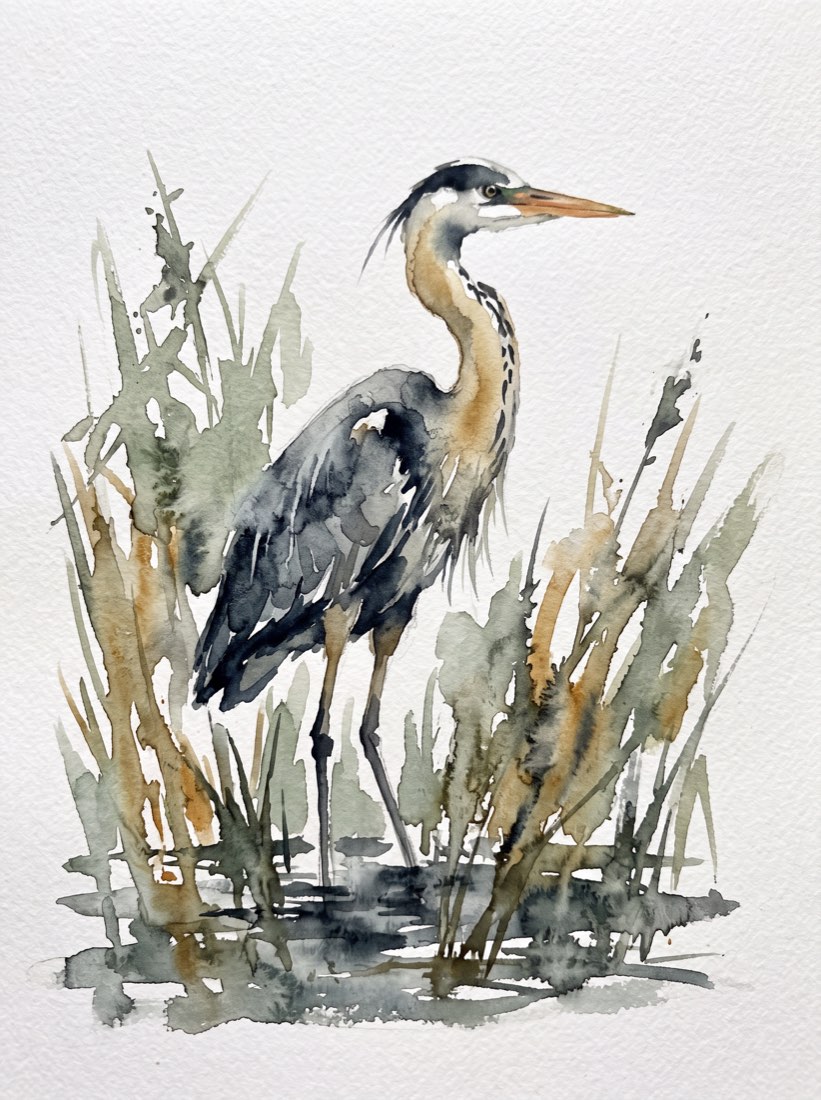
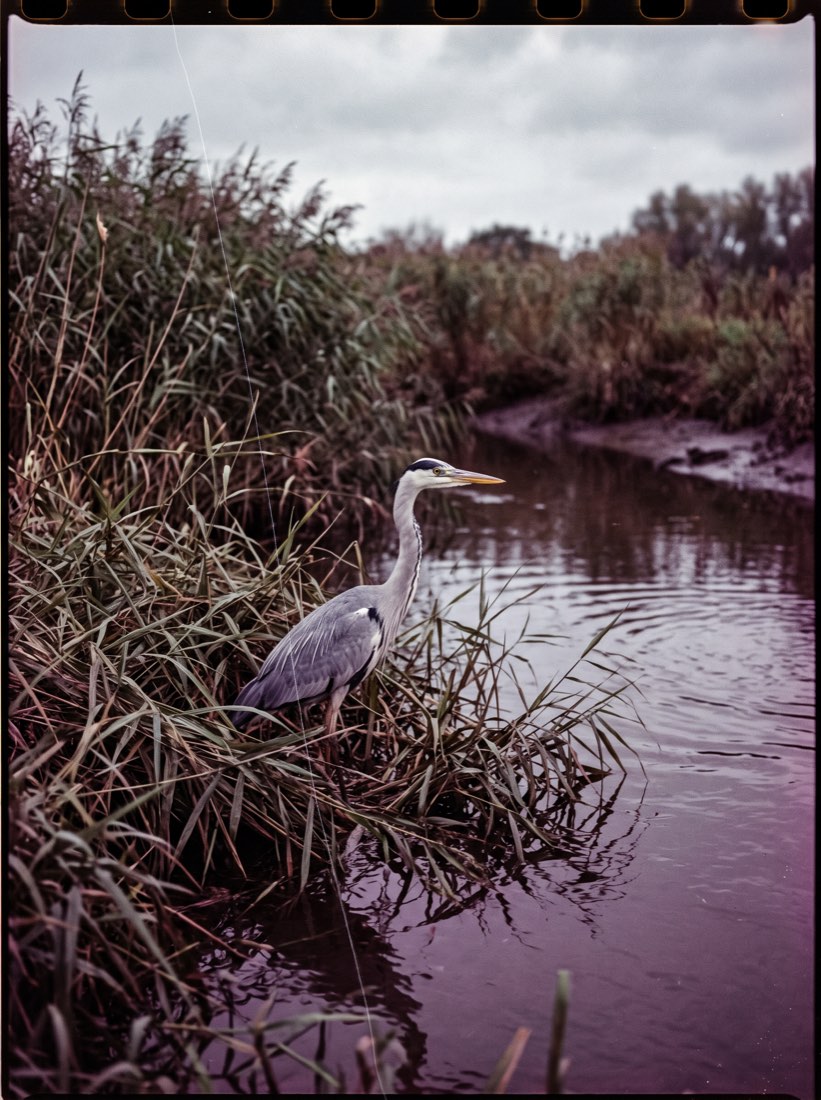
Upload an image and say what to change. Swap the background, remove what should not be there, repaint one area, extend the frame, change the style — all in one place, and keep editing after.
A few things to know
Can I change only part of the image?
Yes. Describe the region and the result; the model repaints that area and keeps the rest of the pixels unchanged.
Will it distort faces or products?
Saying "keep the person and the product unchanged" reduces this a lot. If it still drifts, step back a version and rephrase.
Which image formats work?
JPG, PNG and WebP upload directly. Size limits are stated on each model page.
How is editing billed?
Check the studio quote before generating. Available models, credit charges, account rewards and any handling of failed tasks follow the current studio information and account policy.
Your next idea looks good here.
Image. Motion. Whatever comes next.