Write one action as one continuous shot
Separate subject motion from camera motion and start a coherent short shot from text.
Start the guide
Before you begin
Prepare one scene, one main action, and one camera move. This lesson uses text-to-video; no image or video upload is required.
A continuous shot with a readable beginning, action, and ending. Duration, quality, and cost depend on the current model controls.
- 01
Define one simple event
Start with who does what and where, such as a pedestrian passing a museum. Avoid combining running, turning, aerial views, and explosions in the first version.
CHECK THISOpen video workspaceThe subject action fits into one sentence.
- 02
Describe the camera separately
Add one camera move and a framing distance. The example uses sideways tracking and a medium shot. You can change it to a static camera without adding another move.
CHECK THISCheck video model settingsThe subject and camera directions do not contradict each other.
- 03
Review before generating
Use the prompt, choose a supported ratio, and review the estimated credits. Unavailable duration, keyframe, or audio controls are not part of this workflow. Text direction is not a precise timeline.
CHECK THISEdit and review the shotPricing is confirmed and the prompt describes one main shot.
- 04
Watch the whole clip before iterating
Watch the entire result for anatomy, speed, background, and ending. Reuse the input from the creation detail and change the problematic action. Do not resubmit automatically after a temporary network interruption.
CHECK THISReview video creationsMotion direction and setting stay coherent from start to finish.
What to check and change
The clip cuts to another scene
Shorten the scene, keep one person and action, and specify a continuous shot. Avoid requesting multiple locations in one prompt.
Motion is too fast or confused
Give the subject and camera separate directions, remove extra orbiting or zooming, and test a simpler move.
Keep going in this direction
 IMAGE
IMAGECompose a product image that holds attention
Shape a product concept with a clear subject, light, and room for copy. Then crop and export.
 IMAGE
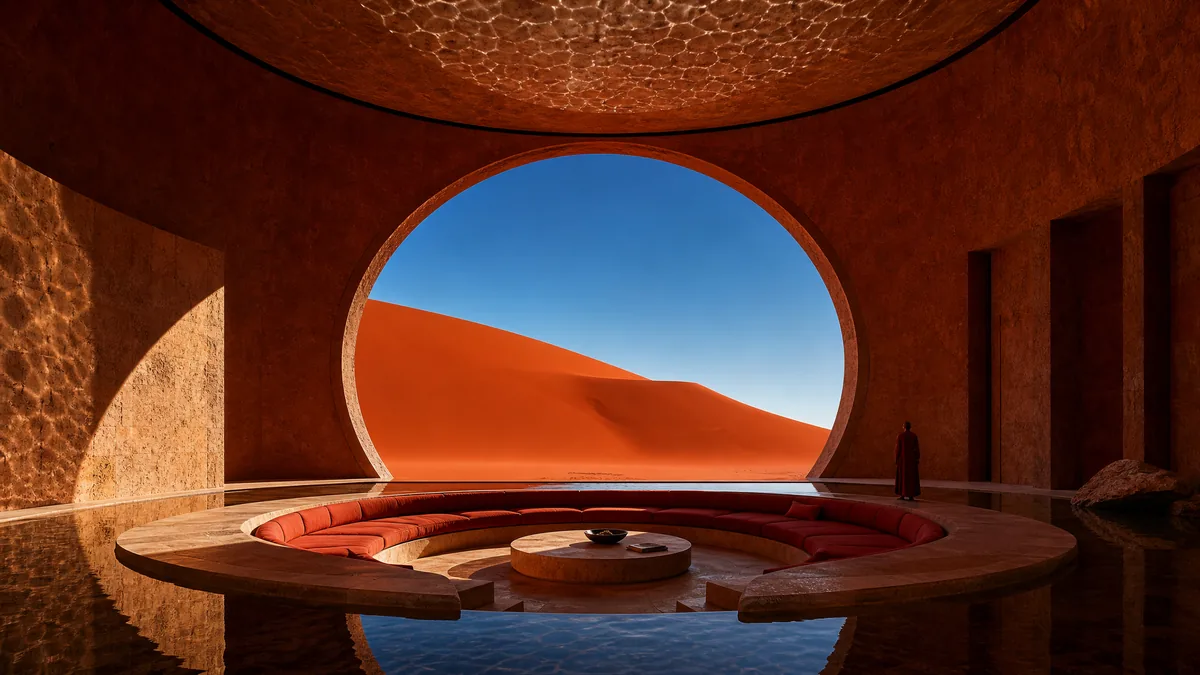
IMAGEBuild an architectural scene with space and light
Move from spatial relationships to material detail in a concept image with readable scale.