Guide a portrait with a reference
Separate the person, wardrobe, and setting so each revision has a clear purpose.
Start the guide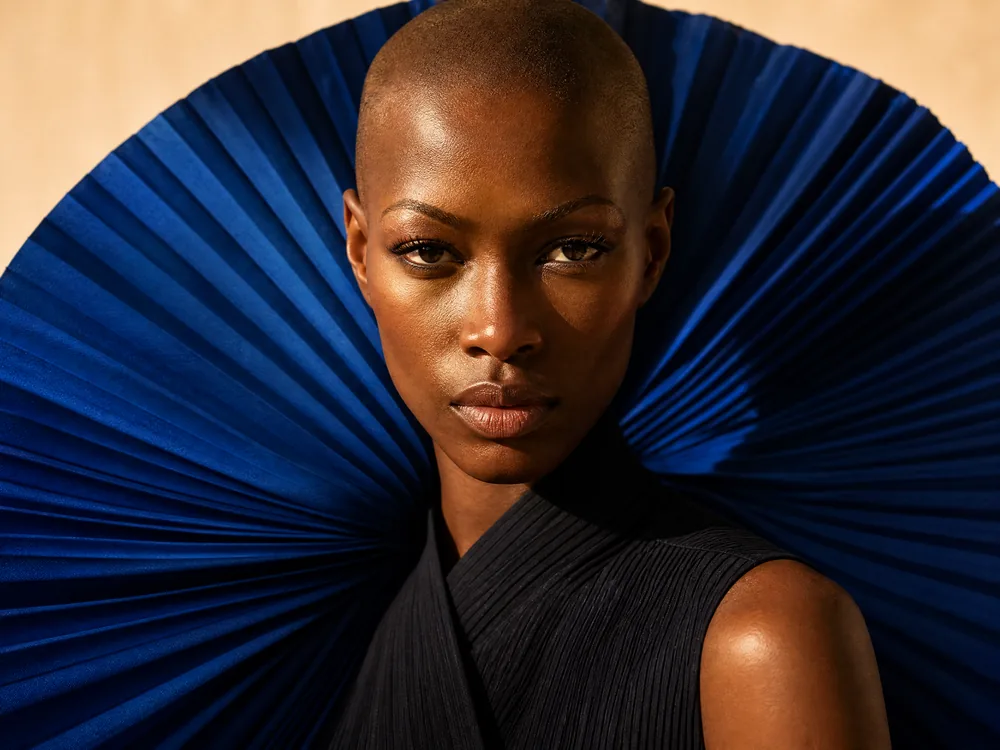
Before you begin
Prepare a permitted JPEG, PNG, or WebP image with a clear face, up to 10MB. Avoid heavy occlusion and extreme wide-angle distortion.
A set of portrait directions guided by one person. References guide the model; identity and every detail are not guaranteed to remain exact.
- 01
Check reference support
Choose an image model with reference support in the model guide. Follow the current upload limit; similarly named models can accept different inputs.
CHECK THISFind reference modelsAn image upload control is present.
- 02
Upload, then describe the change
Upload the photo, then use this page’s prompt. Name what should remain and what should change in the wardrobe or setting, instead of asking vaguely to keep everything unchanged.
CHECK THISUpload a portrait referenceThe reference thumbnail has loaded without an upload error.
- 03
Change one thing per iteration
Check the person and composition before changing the lighting. Reuse the input from the creation detail, replace the lighting instruction, then review again. Reusing input does not generate.
CHECK THISReview and reuse a creationYou can name the exact change being compared.
- 04
Inspect the face and edges
Download two candidates and compare the eyes, ears, hair edges, and garment structure. Different compositions do not align automatically; crop to similar areas first.
CHECK THISCompare two candidatesInspect local detail, not only thumbnails.
What to check and change
No reference upload appears
Filter for reference support in the model guide. Models without an image upload parameter do not show that control.
The person changes too much
Use a clearer face reference, reduce stylization, and change only the wardrobe or background at a time. Choose a different candidate if needed.
Keep going in this direction
 IMAGE
IMAGECompose a product image that holds attention
Shape a product concept with a clear subject, light, and room for copy. Then crop and export.
 IMAGE
IMAGEFrom an image edit to a delivery file
Define the edit, inspect the result, then finish dimensions, compression, and format.