
Access Veo 3.1 video generation on Ruxa.ai. Create stunning text-to-video and image-to-video content with our simple API integration.
Sample videos generated with Veo 3.1.
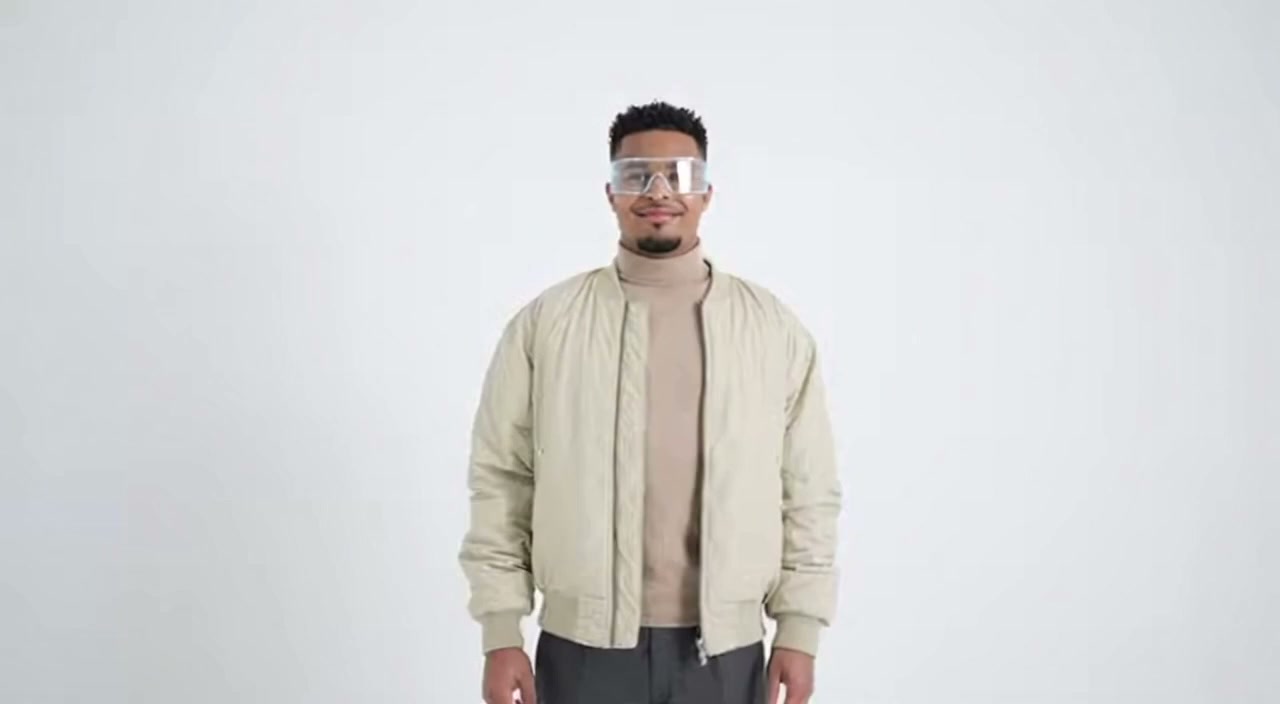
Magical atmosphere, cinematic

Underwater exploration, serene
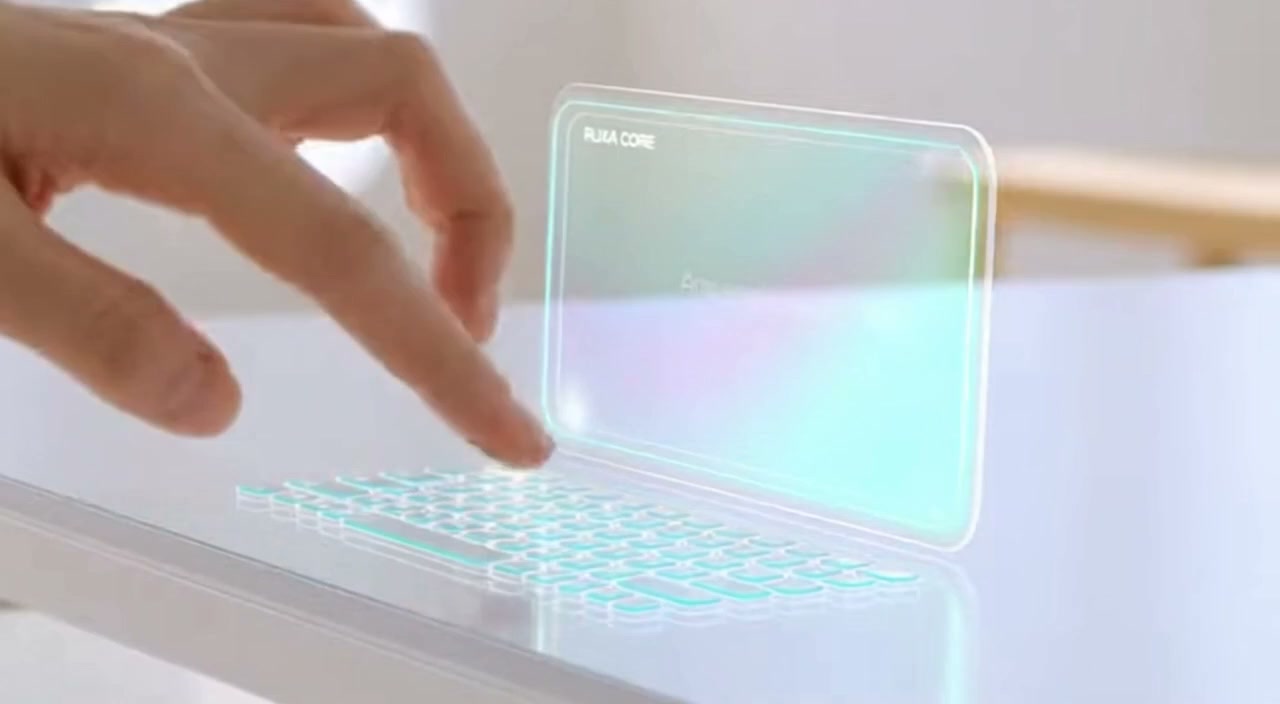
Fluid dynamics, colorful

Epic awakening, dramatic
Veo 3.1 - Google's Latest Video Generation API
Veo 3.1 is Google DeepMind's latest video generation model, designed to empower filmmakers and storytellers. It builds on Veo 3 with enhanced creative controls and improved quality.
The model features advanced capabilities including scene extension, character consistency, camera controls, outpainting, object manipulation, and motion controls. Access through the Ruxa API for seamless integration.
Core Capabilities
Scene Extension
Extend clips into longer, more dynamic videos. Use the last frame to continue the story while maintaining visual and audio consistency.
Character Controls
Bring characters to life using your body, face, and voice to animate them. Maintain character consistency across different scenes.
Camera Controls
Precisely control framing and camera movements including zoom, pan, tilt, and tracking shots for professional cinematography.
Object Manipulation
Add or remove objects from videos seamlessly. Veo considers scale, interactions, and shadows for natural-looking results.
Use Cases
Cinematic Production
Create professional film content with advanced camera controls, scene extension, and consistent character animation.
Visual Effects
Add or remove objects, extend scenes, and apply outpainting for seamless visual effects in post-production.
Character Animation
Animate characters with body tracking and maintain consistency across multiple scenes and camera angles.
Storyboarding & Previsualization
Create dynamic storyboards and previsualization content for film and advertising projects.
Why Use Veo 3.1 API on Ruxa.ai
One Veo 3.1 API, All Features
Access the full Veo 3.1 API capabilities plus 50+ other AI models with a single API key on Ruxa.ai.
Affordable Veo 3.1 API Pricing
Get Veo 3.1 API access at competitive rates. No subscriptions required - only pay for what you generate.
99.9% Veo 3.1 API Uptime
Enterprise-grade Veo 3.1 API infrastructure with reliable performance and fast response times at scale.
Veo 3.1 API Quick Start
Start using the Veo 3.1 API to generate your first video. The Veo 3.1 API integration is simple and straightforward:
curl --request POST \
  --url https://api.ruxa.ai/api/v1/tasks/create \
  --header 'Authorization: Bearer YOUR_API_KEY' \
  --header 'Content-Type: application/json' \
  --data '{
    "callBackUrl": "https://your-domain.com/api/callback",
    "input": {
      "prompt": "让画面动起来",
      "image_url": "https://example.com/your-image.png",
      "seconds": "10",
      "aspect_ratio": "16:9",
      "enhance_prompt": true,
      "enable_upsample": false
    },
    "model": "veo3.1"
  }'
Technical Specifications
Prompting Guide
Get better results from Veo 3.1 with these video prompting strategies:
Describe Motion and Action
"A golden retriever running through a meadow, slow motion, camera tracking"
Specify Camera Movement
Include camera directions like "dolly in", "pan left", "aerial shot", or "tracking shot".
Set Duration and Pacing
Describe the pacing: "slow motion", "time-lapse", or "real-time action".
Frequently Asked Questions
Start Creating with Veo 3.1
Try the playground or integrate via API.