
Access Sora 2 video generation on Ruxa.ai. Create stunning text-to-video and image-to-video content with our simple API integration.
Image to Video
Optional
Upload a reference image
The AI will use this image as the starting frame and generate a dynamic video based on it.
Supports JPG, PNG, WebP • Max 10MB
Prompt used for this demo
INSTRUCTION: Generate a 10-second cinematic video sequence comprised of THREE STRICTLY DISTINCT SHOTS. Do NOT animate the reference image as one continuous scene. You must execute the following shot list with precise camera language, using hard cuts between transitions. **VISUAL BASE:** The environment, character, and lighting (golden hour sunrise over sea of clouds) must match the provided storyboard reference image exactly. **SHOT LIST & CAMERA DIRECTION:** **[00:00 - 00:03] SHOT 1: The Establishing Vista** * **TYPE:** Extreme Wide Shot (EWS) * **CAMERA:** Completely STATIC (Tripod locked) * **ACTION:** A lone figure stands motionless on the cliff edge, gazing at the distant, dormant crystal structure amidst the immense cloud sea * **MOOD:** Vast, silent, anticipatory **[TRANSITION: HARD CUT]** **[00:03 - 00:06] SHOT 2: The Journey** * **TYPE:** Tight Close-Up (CU) on feet * **CAMERA:** Low-angle TRACKING shot, moving parallel with the boots * **ACTION:** The character's boots take deliberate steps on the mirror-like cloud surface. Each step generates an expanding ring of bright blue bioluminescent energy * **MOOD:** Magical, determined movement **[TRANSITION: HARD CUT]** **[00:06 - 00:10] SHOT 3: The Awakening** * **TYPE:** Extreme Low Angle / Worm's-eye view * **CAMERA:** Dramatic, rapid TILT-UP * **ACTION:** Start looking at the tiny figure at the base of the massive tower. The tower suddenly violently activates. The camera tilts upward rapidly, following a blinding beam of pure white light as it blasts into the zenith, instantly parting the surrounding clouds to reveal blue sky * **MOOD:** Epic, explosive energy
Sample videos generated with Sora 2.
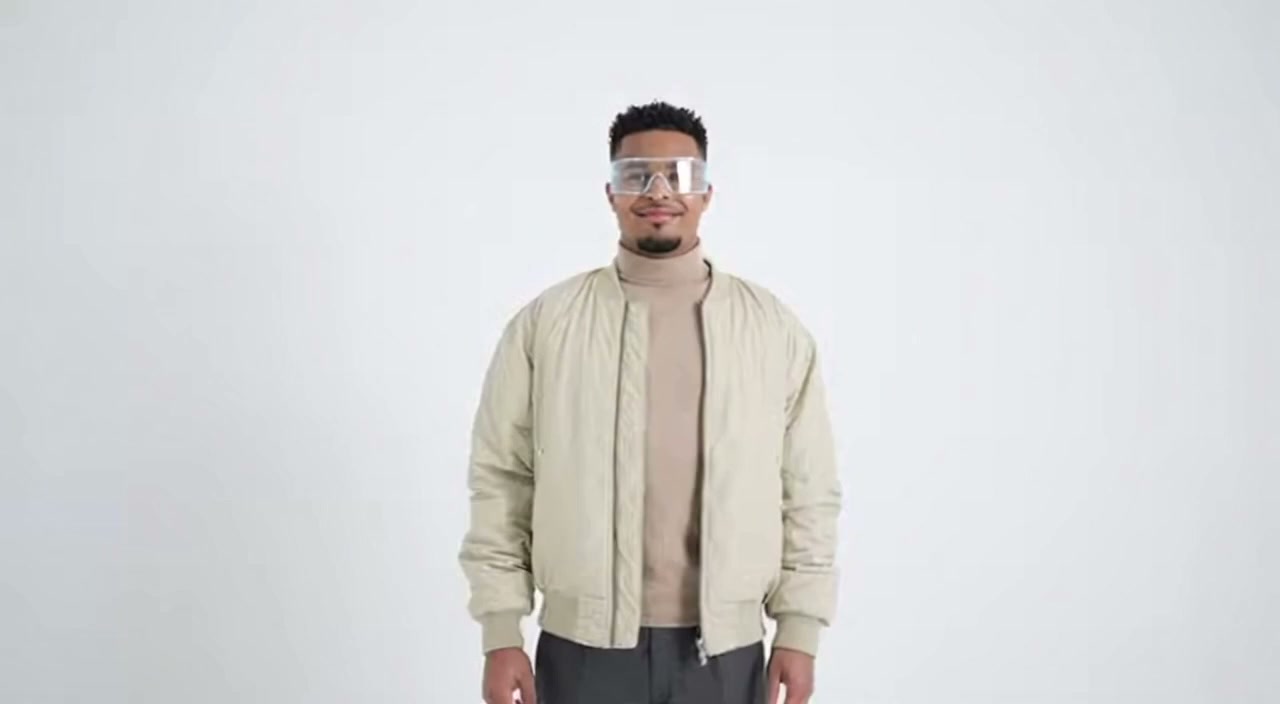
Magical atmosphere, cinematic
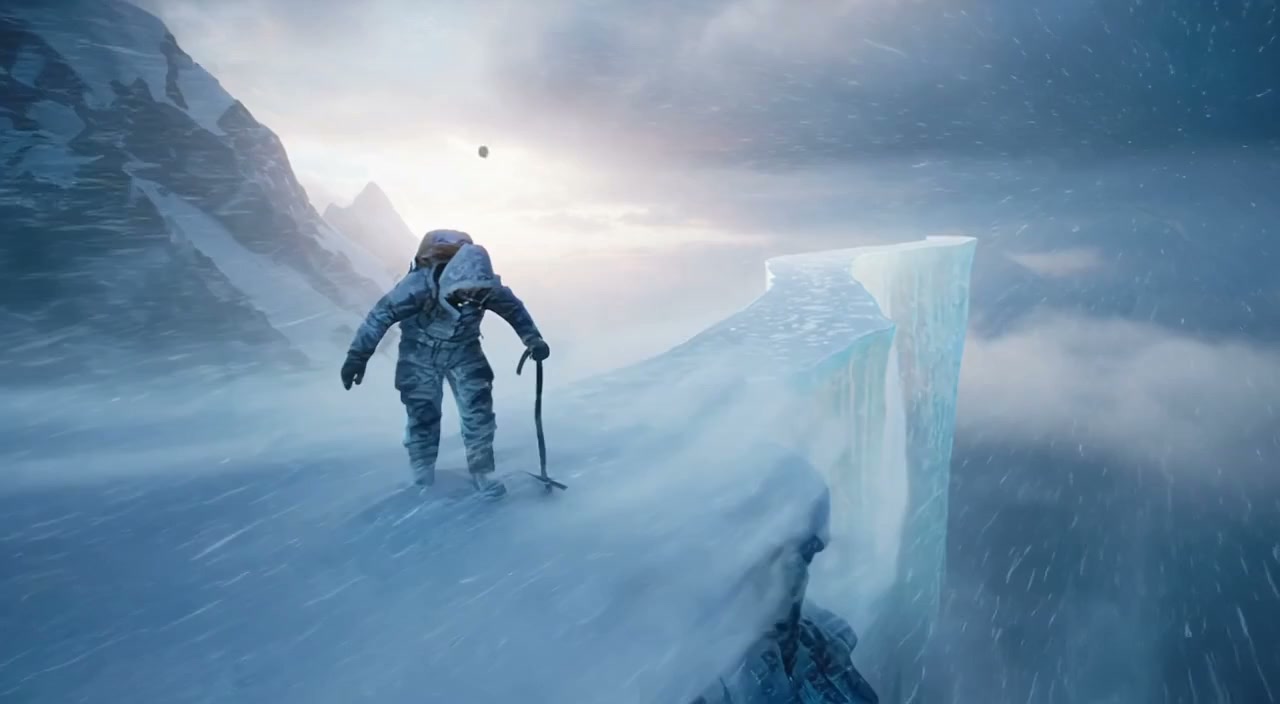
Underwater exploration, serene
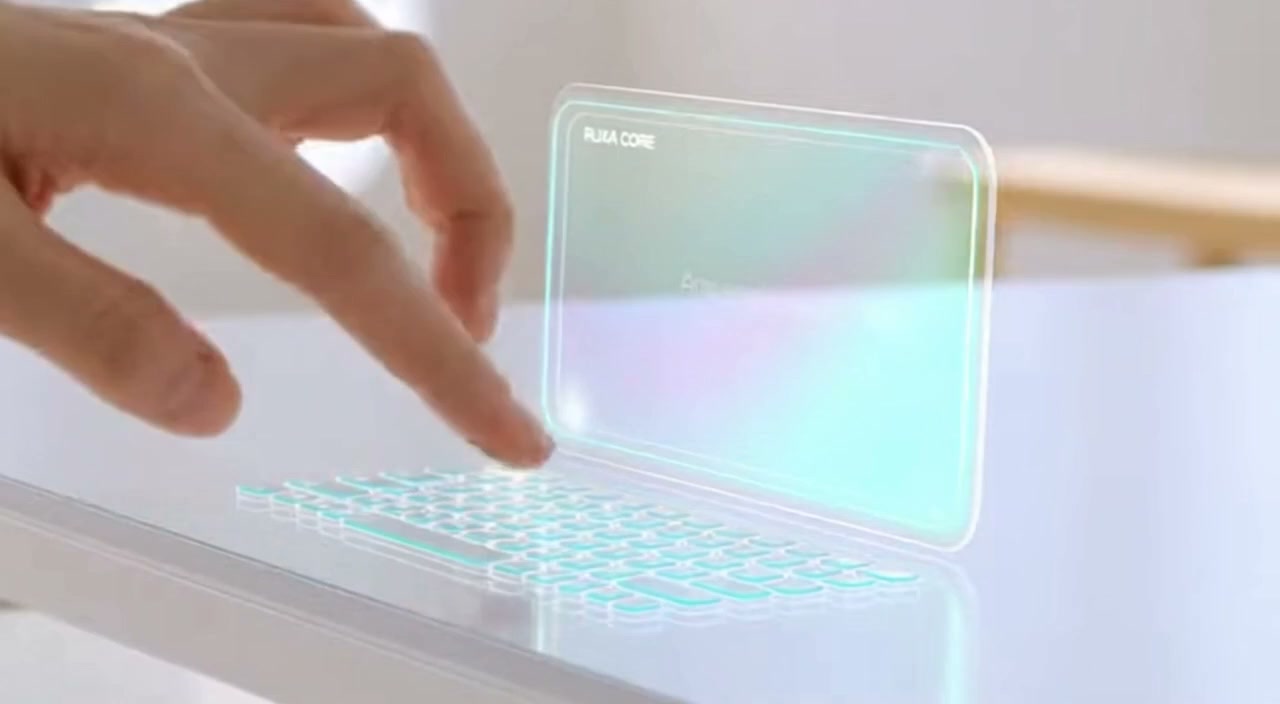
Fluid dynamics, colorful
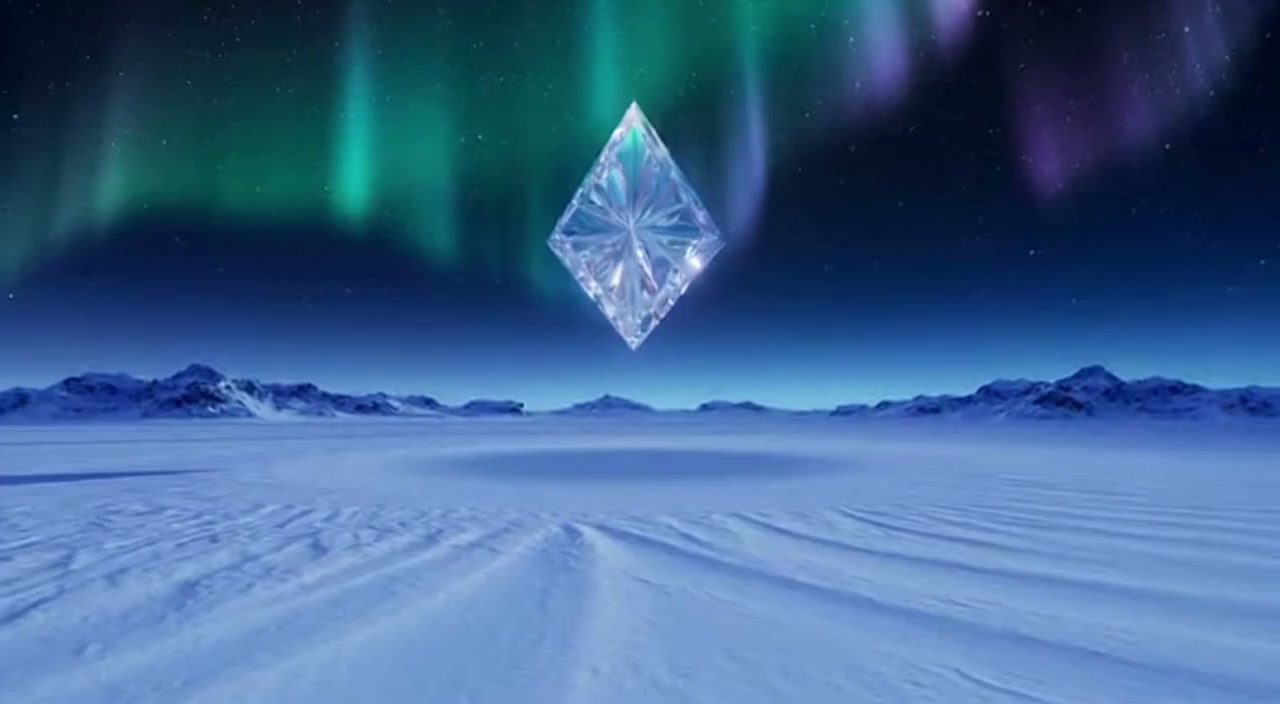
Epic awakening, dramatic
Sora 2 - OpenAI's Flagship AI Video Generation API
Sora 2 is OpenAI's most advanced video generation model, capable of creating stunning 4-20 second videos from text prompts or images. It features native audio generation with synchronized sound effects, music, and dialogue.
The model excels at realistic physics simulation, cinematic camera movements, and consistent character animation. With support for multiple aspect ratios and remix capabilities, Sora 2 enables professional-grade video creation through the Ruxa API.
Core Capabilities
Native Audio Generation
Generate synchronized sound effects, ambient audio, music, and even dialogue directly with your video. No separate audio tools needed.
Realistic Physics Simulation
Advanced physics engine renders natural motion, fluid dynamics, cloth simulation, and realistic object interactions.
Character Consistency
Maintain consistent character appearance and identity across different scenes and camera angles throughout your video.
Remix & Extend
Build on existing videos by swapping characters, changing moods, adding scenes, or continuing the story with seamless transitions.
Use Cases
Video Advertisements
Create compelling video ads for social media, TV, and digital marketing campaigns with cinematic quality in minutes.
Social Media Content
Generate viral short-form videos for TikTok, Instagram Reels, and YouTube Shorts with synchronized audio.
Product Showcases
Create dynamic product demonstration videos with professional camera angles and polished presentation.
Creative Storytelling
Bring stories to life with consistent characters, natural dialogue, and cinematic visual effects.
Why Use Sora 2 API on Ruxa.ai
One Sora 2 API, All Features
Access the full Sora 2 API capabilities plus 50+ other AI models with a single API key on Ruxa.ai.
Affordable Sora 2 API Pricing
Get Sora 2 API access at competitive rates. No subscriptions required - only pay for what you generate.
99.9% Sora 2 API Uptime
Enterprise-grade Sora 2 API infrastructure with reliable performance and fast response times at scale.
Sora 2 API Quick Start
Start using the Sora 2 API to generate your first video. The Sora 2 API integration is simple and straightforward:
curl --request POST \
  --url https://api.ruxa.ai/api/v1/tasks/create \
  --header 'Authorization: Bearer YOUR_API_KEY' \
  --header 'Content-Type: application/json' \
  --data '{
    "callBackUrl": "https://your-domain.com/api/callback",
    "input": {
      "prompt": "让画面动起来",
      "seconds": "10",
      "input_reference_url": "https://example.com/your-image.png"
    },
    "model": "sora-2"
  }'
Technical Specifications
Prompting Guide
Get better results from Sora 2 with these video prompting strategies:
Describe Motion and Action
"A golden retriever running through a meadow, slow motion, camera tracking"
Specify Camera Movement
Include camera directions like "dolly in", "pan left", "aerial shot", or "tracking shot".
Set Duration and Pacing
Describe the pacing: "slow motion", "time-lapse", or "real-time action".
Frequently Asked Questions
Start Creating with Sora 2
Try the playground or integrate via API.