
Access GPT Image 1.5 image generation on Ruxa.ai. Create stunning AI images with text-to-image, editing, and style transfer through our simple API.
Reference Images
Optional
Upload images to edit
Upload images you want to edit. The AI will modify them based on your prompt.
Supports JPG, PNG, WebP • Max 10MB
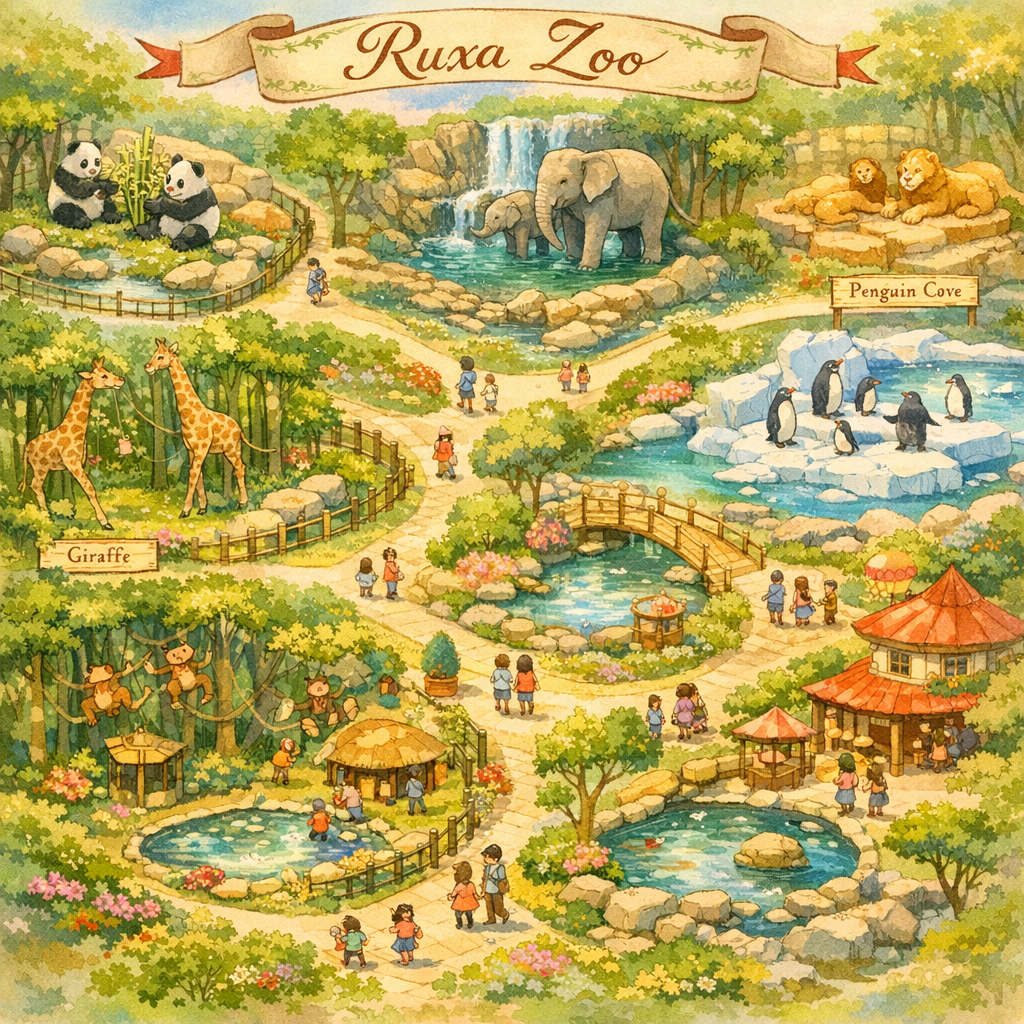
Sample images generated with GPT Image 1.5.
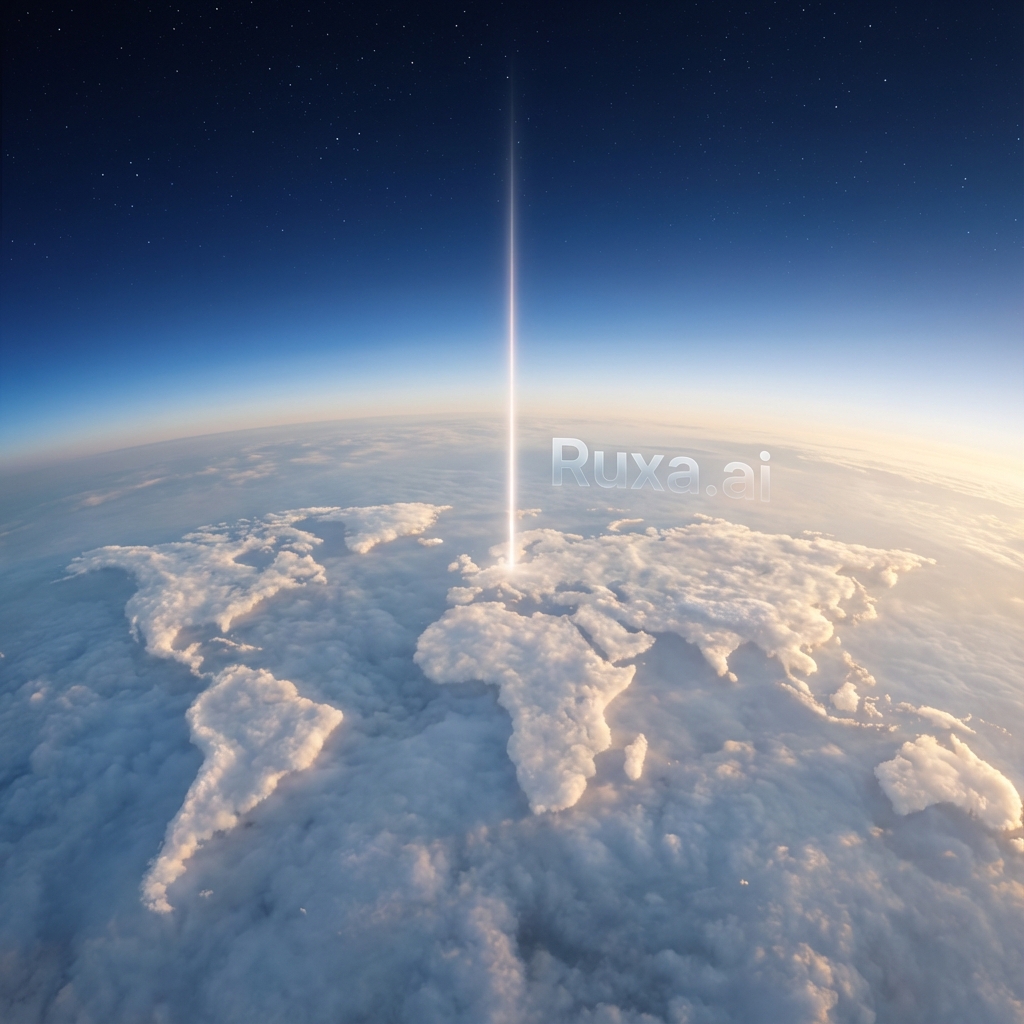
Stratosphere, golden hour, cinematic
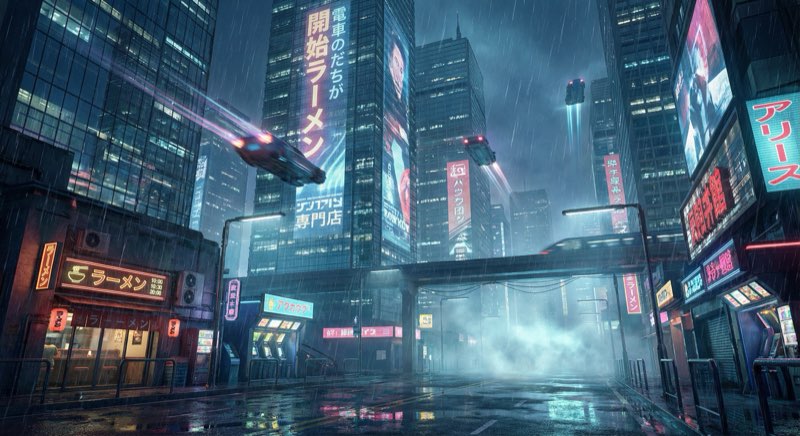
Neon lights, rain, high detail
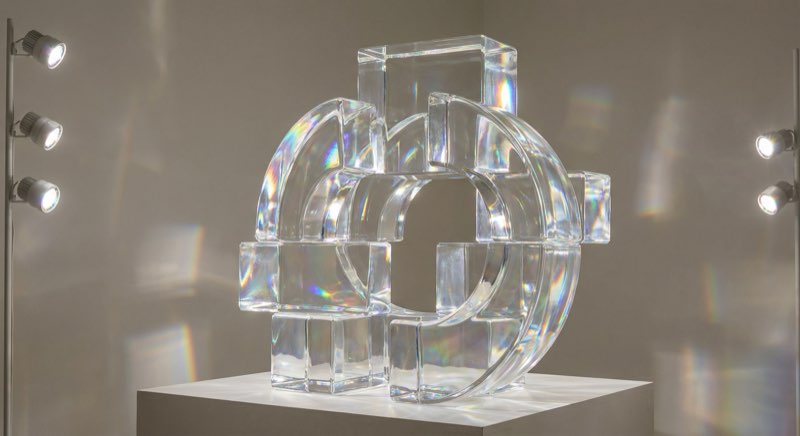
Refraction, chromatic aberration
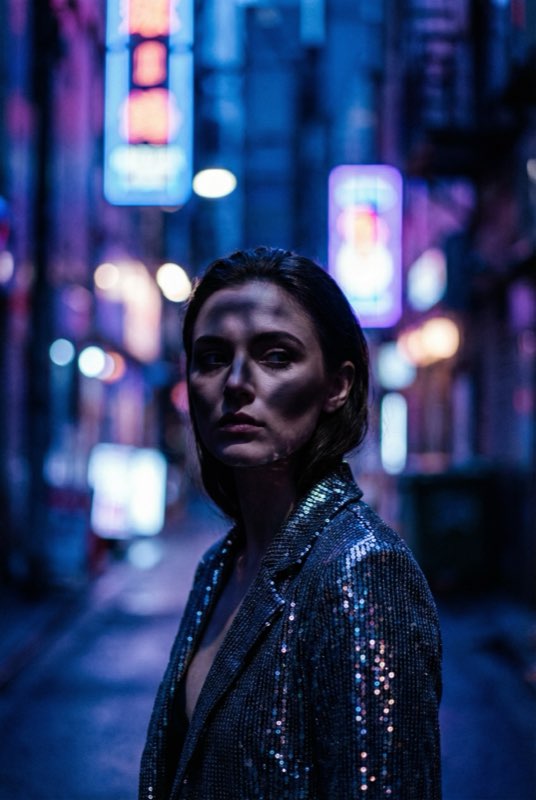
Cinematic lighting, 85mm
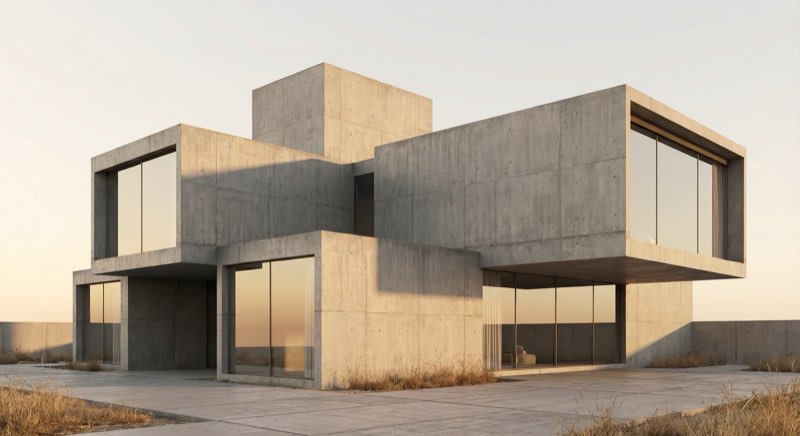
Concrete, soft shadows
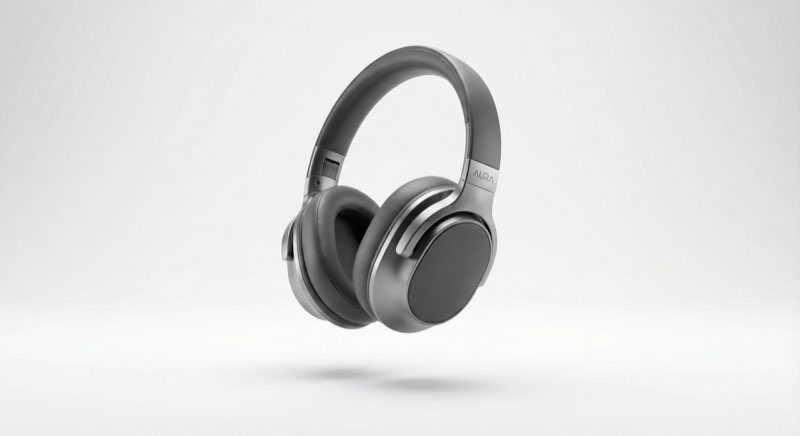
Studio lighting, clean background
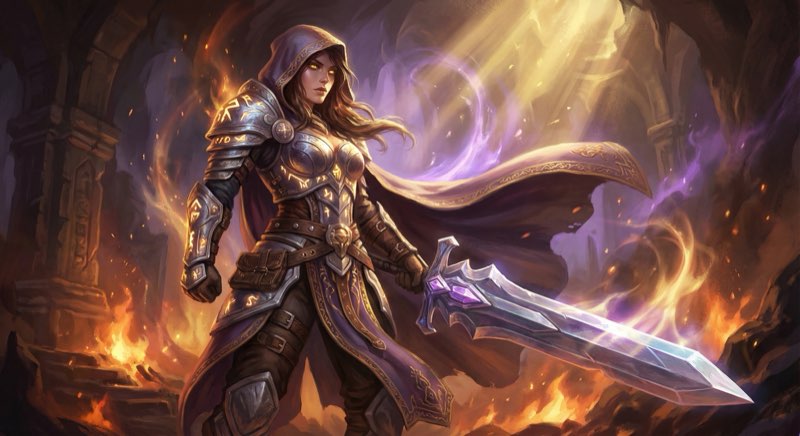
Fantasy, digital painting
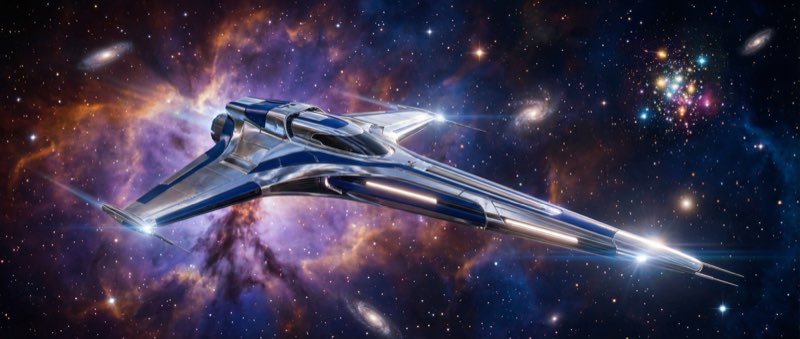
Spaceship, futuristic
GPT Image 1.5 - OpenAI's Latest Flagship Image Generation API
GPT Image 1.5 is OpenAI's newest image generation model, delivering 4x faster generation speeds compared to its predecessor. It features stronger instruction-following, more precise editing controls, and improved dense text rendering while maintaining identity, composition, and layout consistency across iterative edits.
The model excels at professional-grade image generation with support for inpainting, multiple quality levels, and flexible aspect ratios. Access through the Ruxa API for seamless integration into your applications.
Core Capabilities
4x Faster Generation
Generate high-quality images up to 4 times faster than previous models. Optimized for iterative creative workflows where speed matters.
Precise Editing Control
Maintain identity, composition, and layout consistency across multiple edits. Perfect for iterative refinement without losing visual coherence.
Enhanced Text Rendering
Improved dense text rendering for logos, posters, infographics, and UI mockups. Generate sharp, legible text even in complex layouts.
Smart Instruction Following
Better understanding of complex prompts with improved adherence to detailed instructions. Get exactly what you describe.
Use Cases
Brand Design & Logos
Create editable logos, remove backgrounds, and generate professional typography. Perfect for brand identity and marketing assets.
Marketing Collateral
Produce high-quality images for social media, email marketing, and landing pages without specialized design expertise.
Product Image Editing
Transform product photos with precise editing controls. Add, remove, or modify elements while preserving product details.
Creative Content Generation
Generate video thumbnails, cover images, and visual content for YouTube, Instagram, and other platforms.
Why Use GPT Image 1.5 API on Ruxa.ai
One GPT Image 1.5 API, All Features
Access the full GPT Image 1.5 API capabilities plus 50+ other AI models with a single API key on Ruxa.ai.
Affordable GPT Image 1.5 API Pricing
Get GPT Image 1.5 API access at competitive rates. No subscriptions required - only pay for what you generate.
99.9% GPT Image 1.5 API Uptime
Enterprise-grade GPT Image 1.5 API infrastructure with reliable performance and fast response times at scale.
GPT Image 1.5 API Quick Start
Generate your first image with GPT Image 1.5 using the Ruxa API:
curl --request POST \
  --url https://api.ruxa.ai/api/v1/tasks/create \
  --header 'Authorization: Bearer YOUR_API_KEY' \
  --header 'Content-Type: application/json' \
  --data '{
    "callBackUrl": "https://your-domain.com/api/callback",
    "input": {
      "prompt": "背景变成像素风",
      "size": "1:1",
      "image": "https://example.com/your-image.png"
    },
    "model": "gpt-image-1.5"
  }'
Technical Specifications
Prompting Guide
Get better results from GPT Image 1.5 with these prompting strategies:
Subject + Action + Style + Context
"Red fox sitting in tall grass, wildlife photography, misty dawn"
Front-load Important Elements
Put the main subject first. The model pays more attention to what comes first.
Use Positive Descriptions
Instead of "no crowds", write "peaceful solitude".
Frequently Asked Questions
Start Creating with GPT Image 1.5
Try the playground or integrate via API.